Using the “Conference Manager” software
120 | ADN Digital Conference System
To change the line height of the text in the delegate list:
왘 Select the desired font size from the “Line height” drop-down list.
To save a delegate to the delegate list with the settings made:
왘 Click “OK”.
The window is closed and the delegate is displayed in the delegate list.
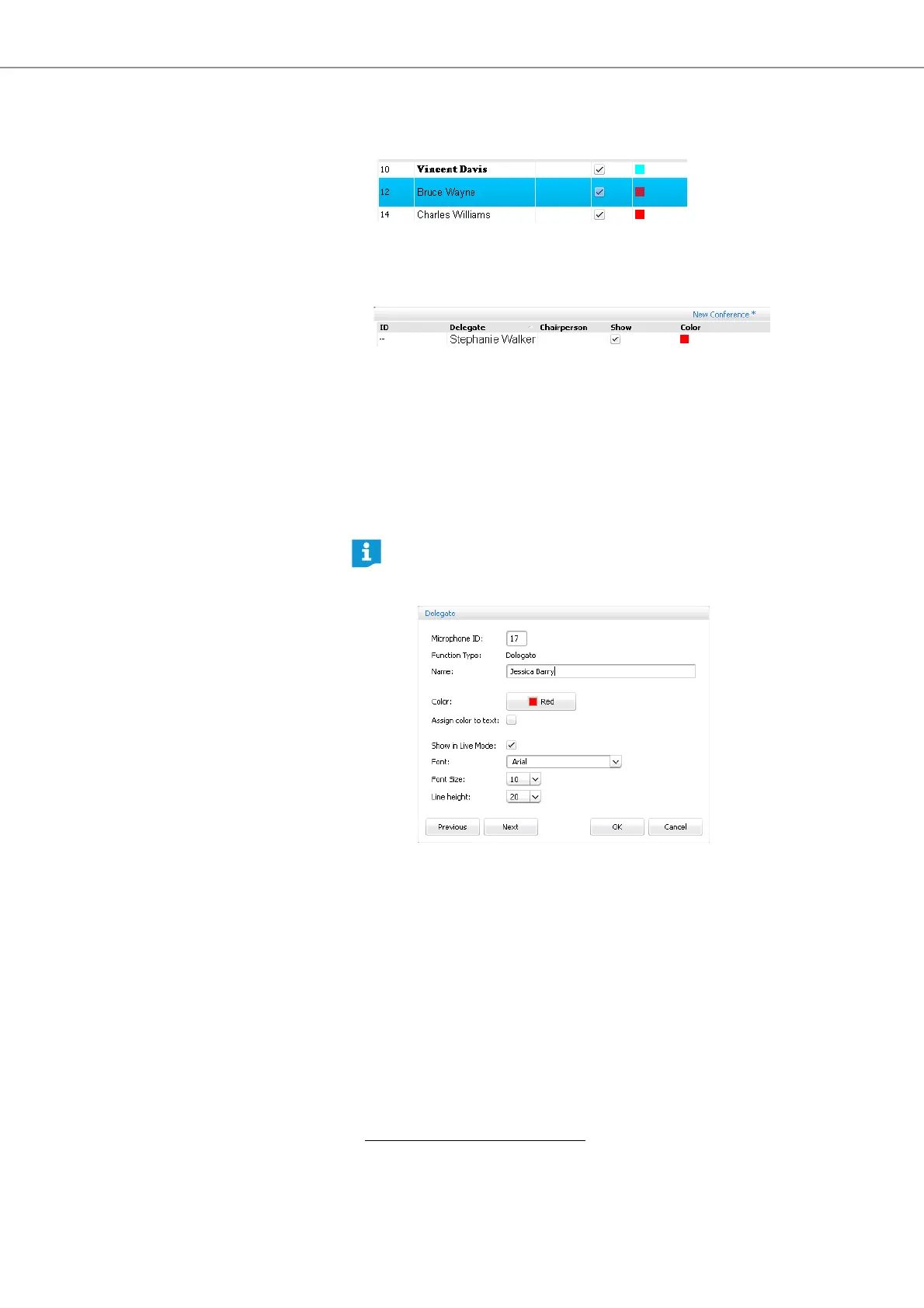
Changing delegate settings 왘 Double-click a delegate name.
Or:
왘 Click the “Edit...” button.
*
The “Delegate” window appears, displaying the corresponding delegate
settings.
왘 Change the settings (see page 118).
왘 Click “OK”.
The window is closed.
*
only if you are using the Windows version of the software
If you want to change the settings of other delegates in the delegate list
without having to close the “Delegate” window:
왘 Click the “Previous” or “Next” button.



 To Next Page