ADN Digital Conference System | 75
Running a conference
Depending on the setting adjusted in the operating menu (see page 54):
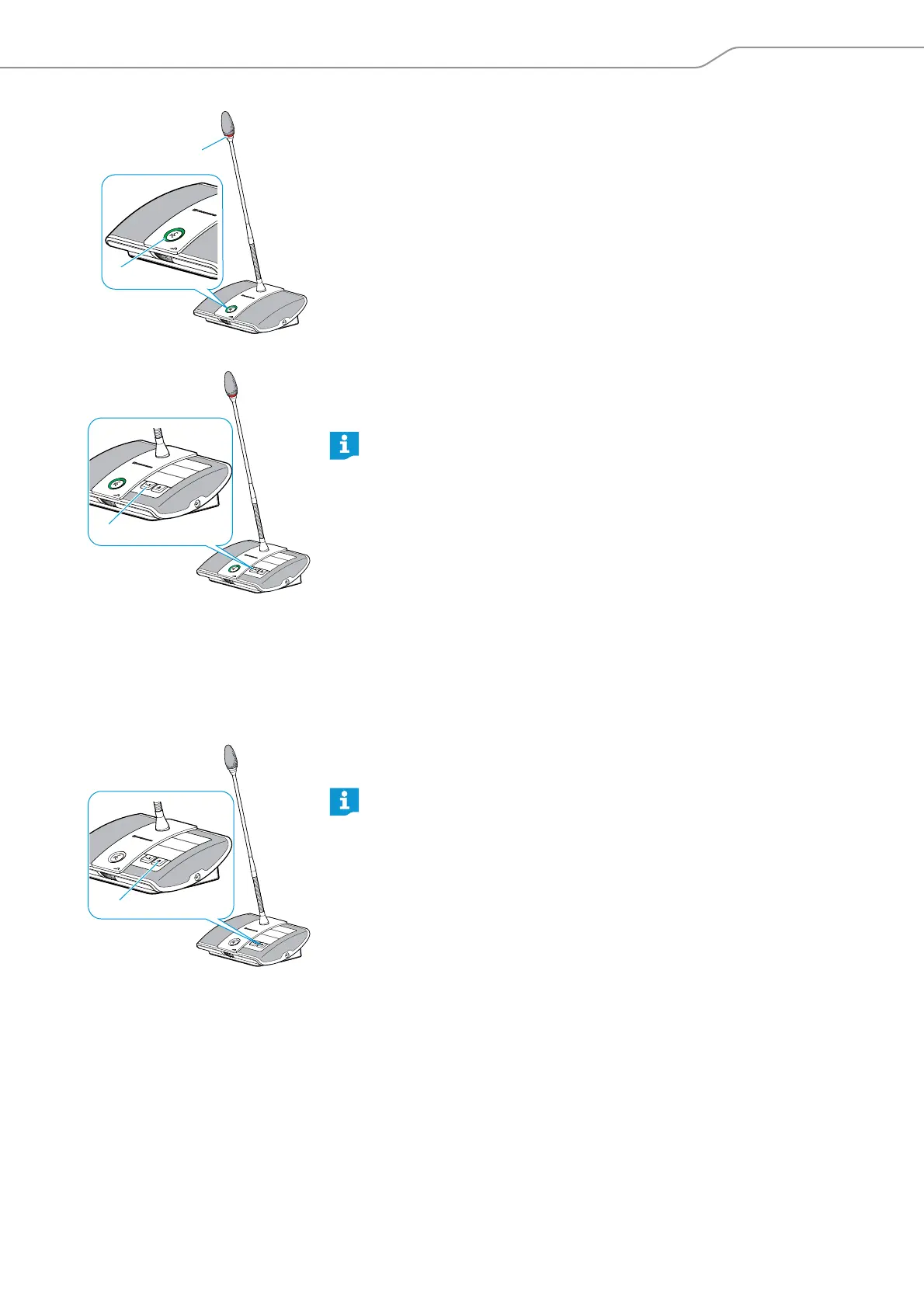
• the microphone LED flashes green and the signal light ring flashes red or
• only the microphone LED flashes green
To grant speaking privileges to the next participant from the request-to-speak list:
왘 Press the Next key .
The next participant from the request-to-speak list is granted speaking
privileges.
Ending a conference or withdrawing speaking privileges (cancel function)
Depending on the setting adjusted in the operating menu (see page 54):
• All LEDs go off and the delegate units are deactivated. A request-to-speak list,
if available, is cleared.
• All currently active delegate units are deactivated. All requests to speak are
retained.
왘 Briefly press the priority key .
The conference system behaves as set.
Muting all delegate units temporarily (priority function)
Using the priority function, the chairperson can interrupt a discussion at any time.
The speaking privileges of all chairperson units remain active at any time.
If you are using the “Conference Manager” software, you can also grant
speaking privileges with a mouse click (see page 137).
If you are using the “Conference Manager” software, you can also deacti-
vate all delegate units with a mouse click (see page 133).



 To Next Page