Using the “Conference Manager” software
92 | ADN Digital Conference System
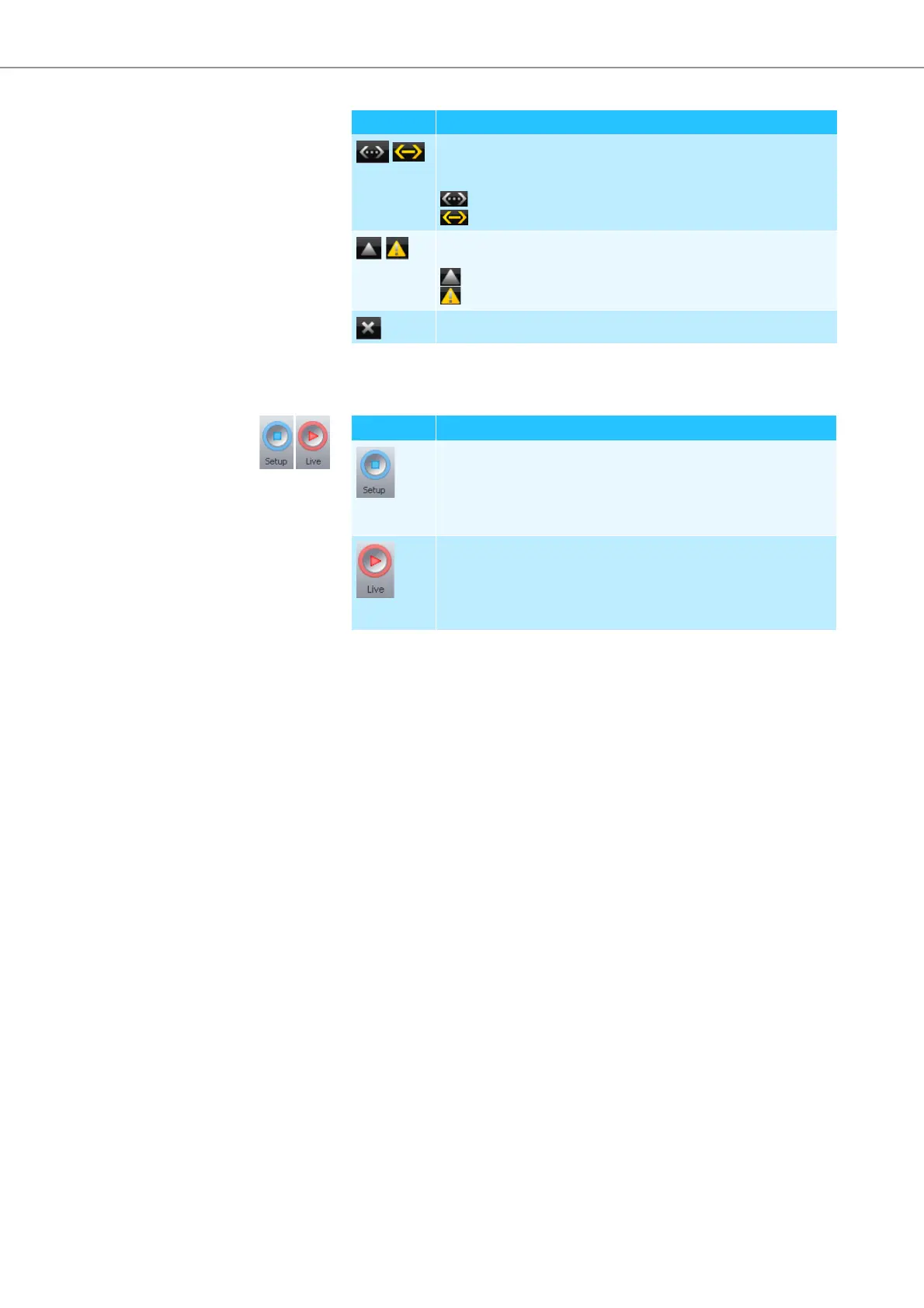
Buttons for selecting the operating mode
Displays the connection status between the central unit and the
“Conference Manager” software and/or a media control system
(see page 100)
“Device Disconnected“
“Device Connected“
Displays detected errors and opens the “Event Log” function (see
page 143)
Event log, no error messages are reported
Error messages are reported
*
Closes the software (“Exit”) (see page 87)
* only available in the Windows version of the software
Button Function
Button Function
Sets the “Setup” operating mode which allows you to configure
the conference system (see page 94).
The button is highlighted in blue. The Room View window and the
Delegate View window change their appearance in accordance
with the selected operating mode.
Sets the “Live” operating mode which allows you to control a con-
ference using the software (see page 95).
The button is highlighted in red. The Room View window and the
Delegate View window change their appearance in accordance
with the selected operating mode.



 To Next Page