28
GB
Replace TV station positions
You can replace the channel positions as you like.
Example: Replace the TV station No. 6 with position
No. 2.
1
Select “CH TUNING” and press ENTER.
2
Select “CH” and press ENTER. Then select the
moving channel position number (6) and press EN-
TER.
3
Select “MOVE” and press ENTER.
4
Select the channel position number (2) that the se-
lected position at step 2 above is to be moved and
press ENTER. Then these channel positions will
be replaced with each other.
CH
6
SKIP OFF
DECODER OFF
MOVE 6
CH 6
SKIP OFF
DECODER OFF
MOVE
6
Manual TV station presetting
The Automatic station presetting function (See page
27) memorises the available broadcasts to suitable CH
positions.
Some broadcasts may not be preset correctly by the
automatic tuning system, in this case you can preset
the broadcast stations manually.
Example: Presetting a station on program position 5.
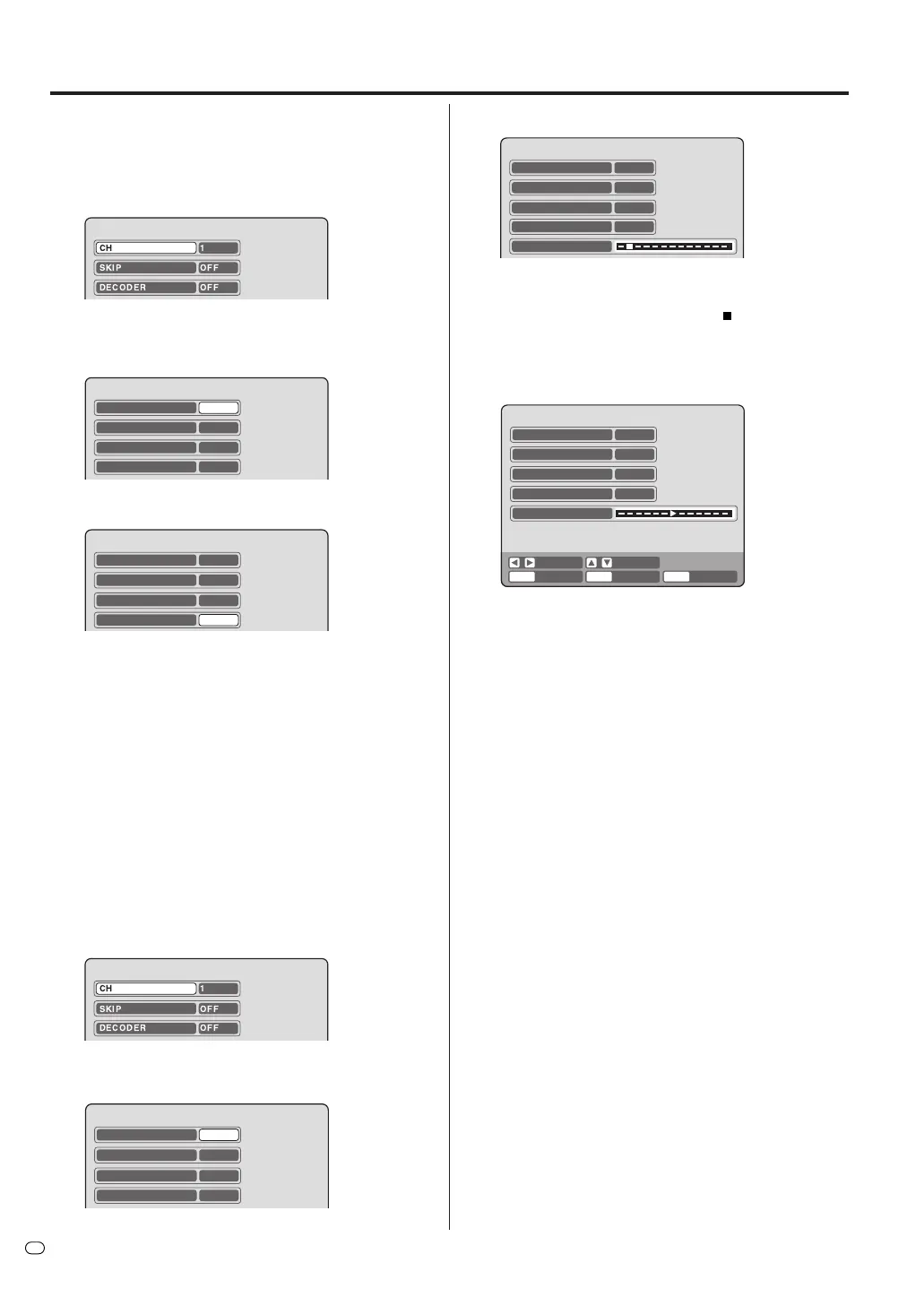
1
Select “CH TUNING” and press ENTER.
2
Select “CH” and press ENTER. Then select the
channel position number (5) and press ENTER.
CH 5
SKIP OFF
MOVE 5
TUNING
DECODER
OFF
3
Select “TUNING” (tuning scale) and press ENTER.
4
Press A (Upper frequency) or B (Lower frequency)
once. The search starts. It stops at each broadcast
automatically. (“A” changes to “
”) Press B or A
repeatedly until the desired station appears. If the
broadcast is too weak (eg. with a drifting picture),
the search will not stop. If you want to stop, press
C/D or B/A.
5
If the tuned-in picture is not good enough, press C
or D until the picture is acceptable. Then press EN-
TER.
6
Repeat the steps 2 and 5 to preset other TV sta-
tions.
NOTE:
Occasionally, the auto search might find a weak signal
and stop. If the TV station signal is weak, you shouldn't
store this station. Press B or A to restart the auto
search. The unit will not to store this station.
GUIDE CH SET
See page 54.
CH
ENTER RETURN SETUPBACK END
SEARCH F. TUNE
5
SKIP OFF
OFF
MOVE 5
TUNING
ENTER
DECODER
CH
5
SKIP OFF
MOVE 5
DECODER
OFF
Setting a channel
CH 1
SKIP OFF
DECODER OFF
CH 1
SKIP OFF
DECODER OFF



 To Next Page