79
GB
Dubbing using other equipment
You can connect another VCR or
camcorder for dubbing.
Typical connection: When using this
unit as a recording device.
See next page for more information
on connection diagrams.
When a video is recorded using this unit
Preparation:
• Turn ON the TV and switch the TV to it’s AV channel (this may be
labelled EXT / AUX etc.)
• Load a video tape where the erase-protection tab is not activated or
a disc with enough recording space.
• To record onto a video tape, set the unit to VCR mode, whereas to
record onto a disc, set it to DVD mode.
1
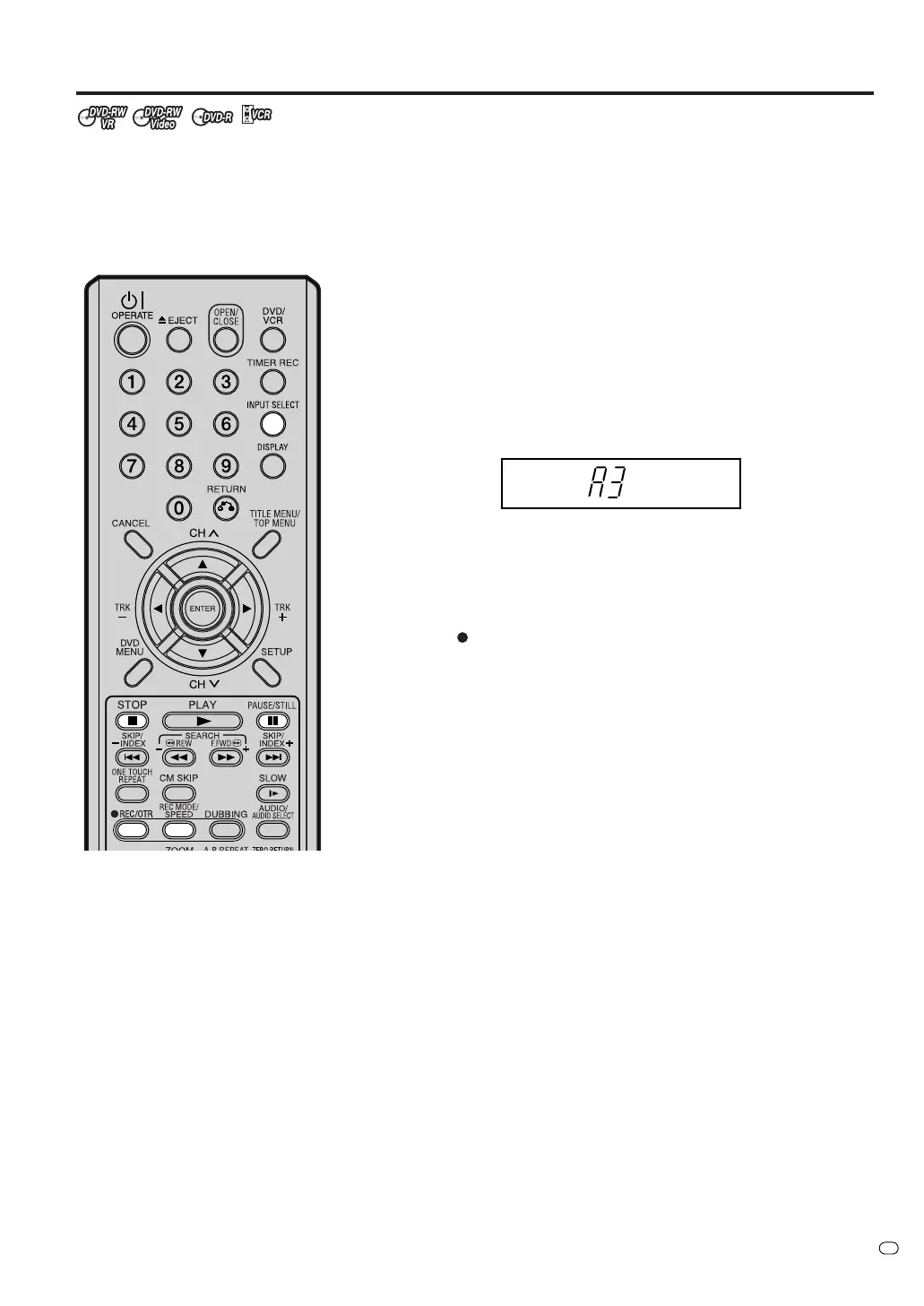
Press INPUT SELECT and set the channel to A3 (A1or A2).
A1: TV scart (audio/video input and audio/video output) on the
rear panel
A2: DECODER/EXTERNAL (audio/video input and audio/video
output) scart on the rear panel
A3: AUDIO/VIDEO input on the front panel Confirm that A3 (A1or
A2) appears on the display window.
2
Press REC MODE/SPEED and select the recording mode.
VCR: SP or LP (See page 45.)
DVD: SP, LP, SLP or XP (See page 49.)
3
Press
REC/OTR on this unit, then press PAUSE/STILL.
4
Press the PLAY button on the playback device, then press the
PAUSE/STILL button.
5
Release the recording pause and the playback still simultaneously
to begin the duplicating process.
6
To stop dubbing, press STOP.
NOTES:
• INPUT SELECT does not work
when DVD or VCR is playing or
recording.
• When this unit is used as a play-
back device, any on screen dis-
plays that appear would also ap-
pear on the recording.
However it is possible to set the on
screen display to OFF - see the
“DISPLAY/CALL” section on page
23 for more information.
• If no special permission is obtained
from the copyright owner, videos
recorded from TV programs or
movies can only be used for your
own personal enjoyment.
•You may not dub a copy protected
video tape or DVD disc.



 To Next Page