70
GB
Editing an original title
5
When you have selected the scene you want to add a chapter
mark, press ENTER.
The playback is paused and the position of the added chapter
mark appears green.
6
If you want to continue to add chapter mark, repeat step 5.
7
Adding chapter marks is finished.
• To display the title menu, press RETURN.
• To return to the normal screen, press TITLE MENU/TOP MENU.
Combining chapters
By erasing the added chapter marks, the chapters can be combined.
1
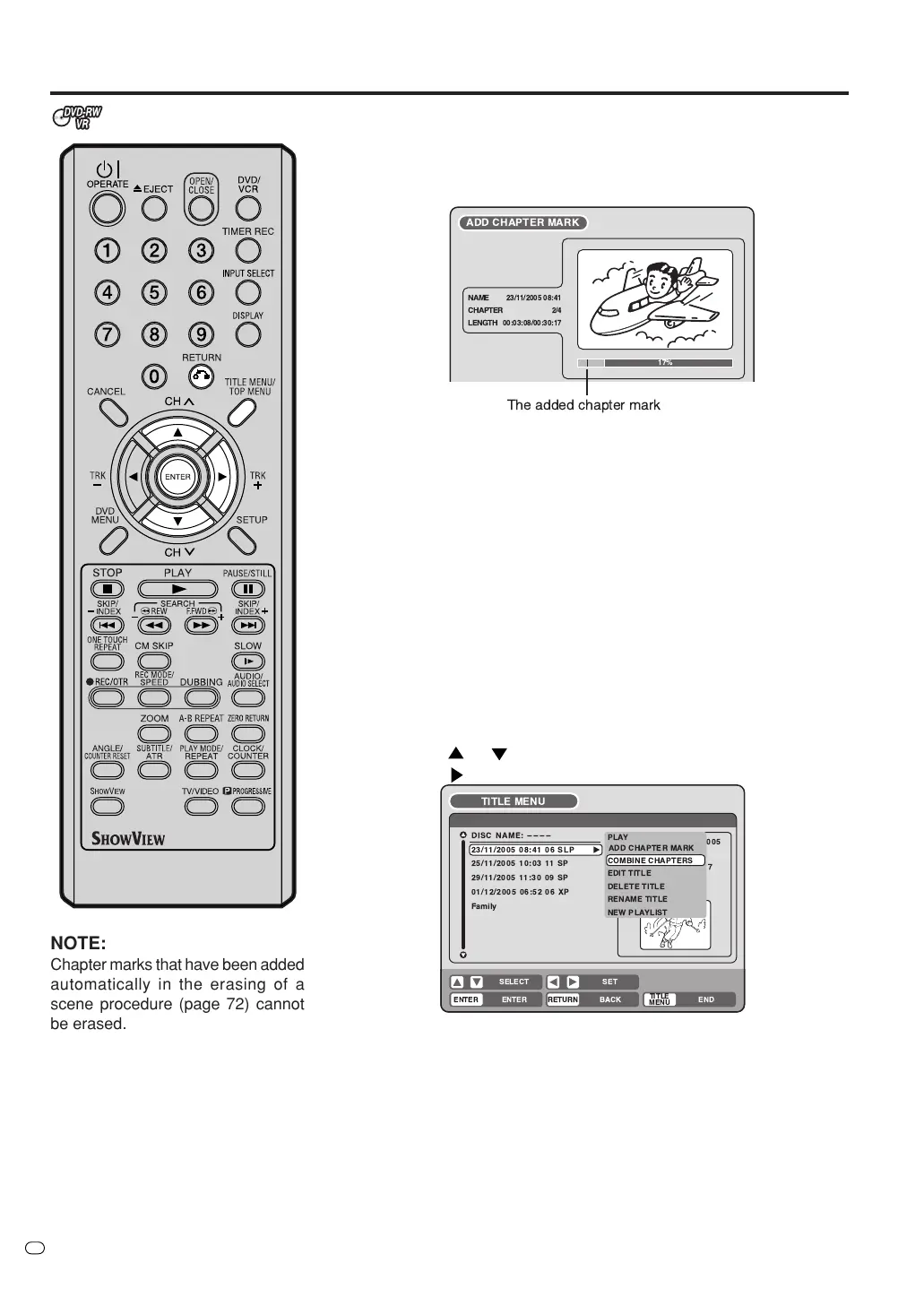
Press TITLE MENU/TOP MENU to display the title menu.
2
Select the original titles where you want to combine the chapters.
• Press
or to select the original title.
• Press
to display the editing menu of original title.
• Press
or to select “COMBINE CHAPTERS”.
3
Press ENTER.
The COMBINE CHAPTERS screen will appear. At the beginning,
the top still image in the chapter 2 is displayed.
TV/VIDEO
The added chapter mark
!"#
%& '
&
(
)
( &
* )
&
NOTE:
Chapter marks that have been added
automatically in the erasing of a
scene procedure (page 72) cannot
be erased.



 To Next Page