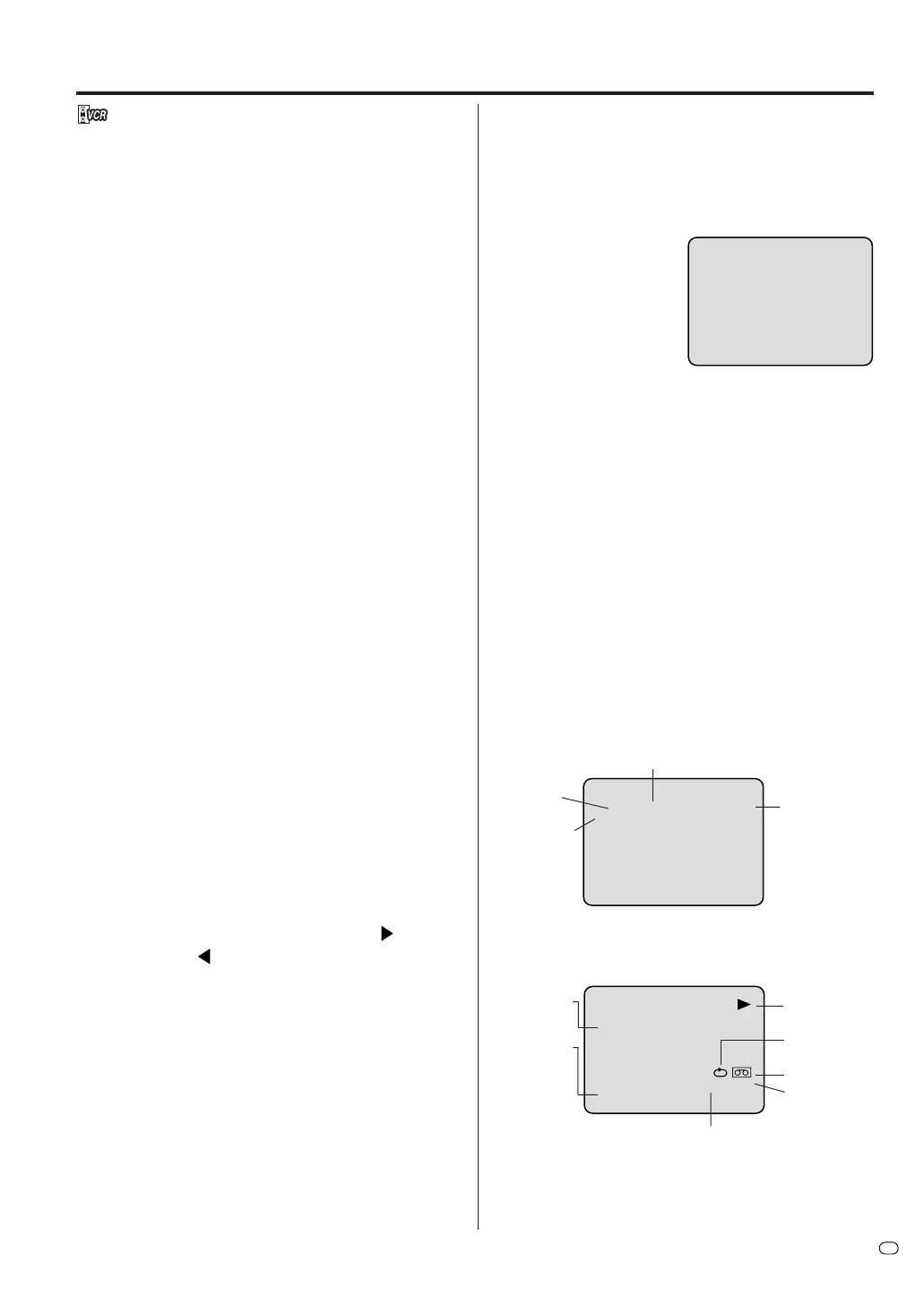
47
GB
Special playback
NOTES:
• The audio output is muted during SPEED SEARCH,
STILL, FRAME ADVANCE and SLOW MOTION.
• There will be some noise bars on the screen during
picture search mode. This is not a malfunction of the
unit.
• The Special Playback will automatically change to
playback after approx. 5 minutes to protect the video
tape against excessive wear.
Repeat playback
When the tape reaches the end of playback, the tape
will automatically rewind to the beginning and playback
will resume.
1
Press PLAY MODE/REPEAT.
2
By pressing
PLAY
MODE/
REPEAT each
time, “REPEAT ON” or
“REPEAT OFF” is se-
lected in turn.
3
When “REPEAT ON” is selected, the tape is played
back to the end, and then, it is automatically re-
wound to the starting point and played back again.
To cancel repeat playback: Press PLAY MODE/
REPEAT to select “REPEAT OFF”.
Commercial skip
Press CM SKIP during playback.
The video is forwarded for approx. 30 seconds with
forward video search mode and playback resumes.
You may press the button up to six times in a row to
move 180 seconds ahead.
To display VCR operation status
Press DISPLAY. The clock, day of the week and other
information will be indicated.
While watching TV
While operating a tape
To cancel the display: Press DISPLAY again.
REPEAT ON
DAY OF THE WEEK
CHANNEL
CLOCK
STEREO
(displayed
only for
approx. 4
seconds)
Slow tracking and vertical lock adjustment
If noise bars appear in the picture during slow motion,
press the TRK (TRACKING) + or – to reduce the
noise bars.
If the still picture jitters excessively, press
TRK (TRACKING) + or – to stabilise the still picture.
Frame by Frame picture
Press PAUSE/STILL during playback.
Press SLOW to advance the frame. The picture ad-
vances frame by frame.
To return to playback: Press PLAY or PAUSE/STILL.
Adjusting tracking condition
Automatic tracking adjustment
Whenever you insert a tape and start playback,
automatic tracking starts working and continuously
detects the signal to enable optimum picture quality
during playback.
Manual tracking adjustment
If automatic tracking cannot eliminate noise during
playback, press TRK (TRACKING) + /
or TRK
(TRACKING) – /
to eliminate the noises. “MANUAL
TR.” will appear. Press it briefly for a fine adjustment,
or press and hold for more severe adjustments.
To return to automatic tracking, press SUBTITLE/ATR.
“AUTO TR.” will appear.
Slow motion
During playback press SLOW.
Each additional press of SLOW will change the slow
speed.
To return to playback: Press PLAY.
Picture search
Reverse picture search function
Press REW x 1 or x 2 during the playback.
Forward picture search function
Press F.FWD x 1 or x 2 during the playback.
To return to playback: Press PLAY.
Still picture
Press PAUSE/STILL during playback.
To resume normal playback: Press PLAY.
TAPE SPEED
REAL TIME COUNTER
8 : 30
MON
00 : 15 : 12 SP
L CH
HI-FI
OPERATING
MODE
TAPE IN
AUTO
REPEAT
HI-FI
STEREO
Indication for
the selected
playback
sound
(e.g.: L CH =
Left Chan-
nel) (dis-
played only
for approx. 4
seconds.)



 To Next Page