16
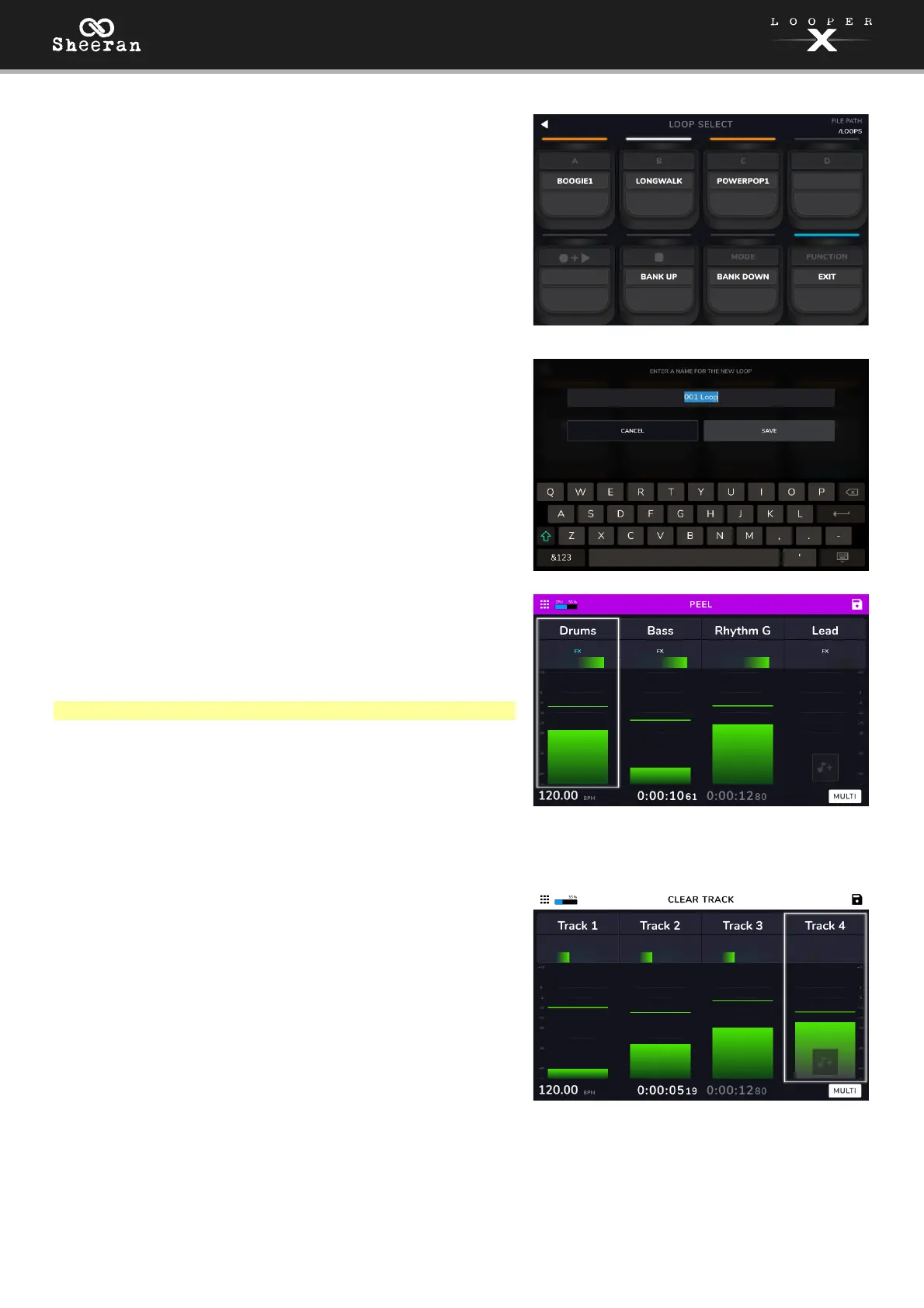
Load:
Select this option to load a loop using the pedals. You are
only able to select loops that are on the same storage
device and in the same folder as the currently loaded loop.
Use the Track 1–4 pedals to load a different loop.
Use the STOP and MODE pedals to move up or down in
your banks of loops.
Save:
Save the current loop to storage. See (5.7) Menu > Storage
to learn more about saving loops.
Peel:
Use the Track 1–4 pedals to permanently "peel off" the last
recorded layer of a looper track.
If no layers are available to be peeled, the looper track will
be grayed out.
Note: The first layer of a track cannot be peeled.
Clear All:
Instantly clears all tracks at the same time.
Clear Track:
Use the Track 1–4 pedals to permanently clear all audio
from a looper track. If there is no audio on a looper track,
the option will be grayed out.
Exit:
Use the FUNCTION pedal to return to the previous page
from the Functions page.



 To Next Page