22
(5.3) Wave
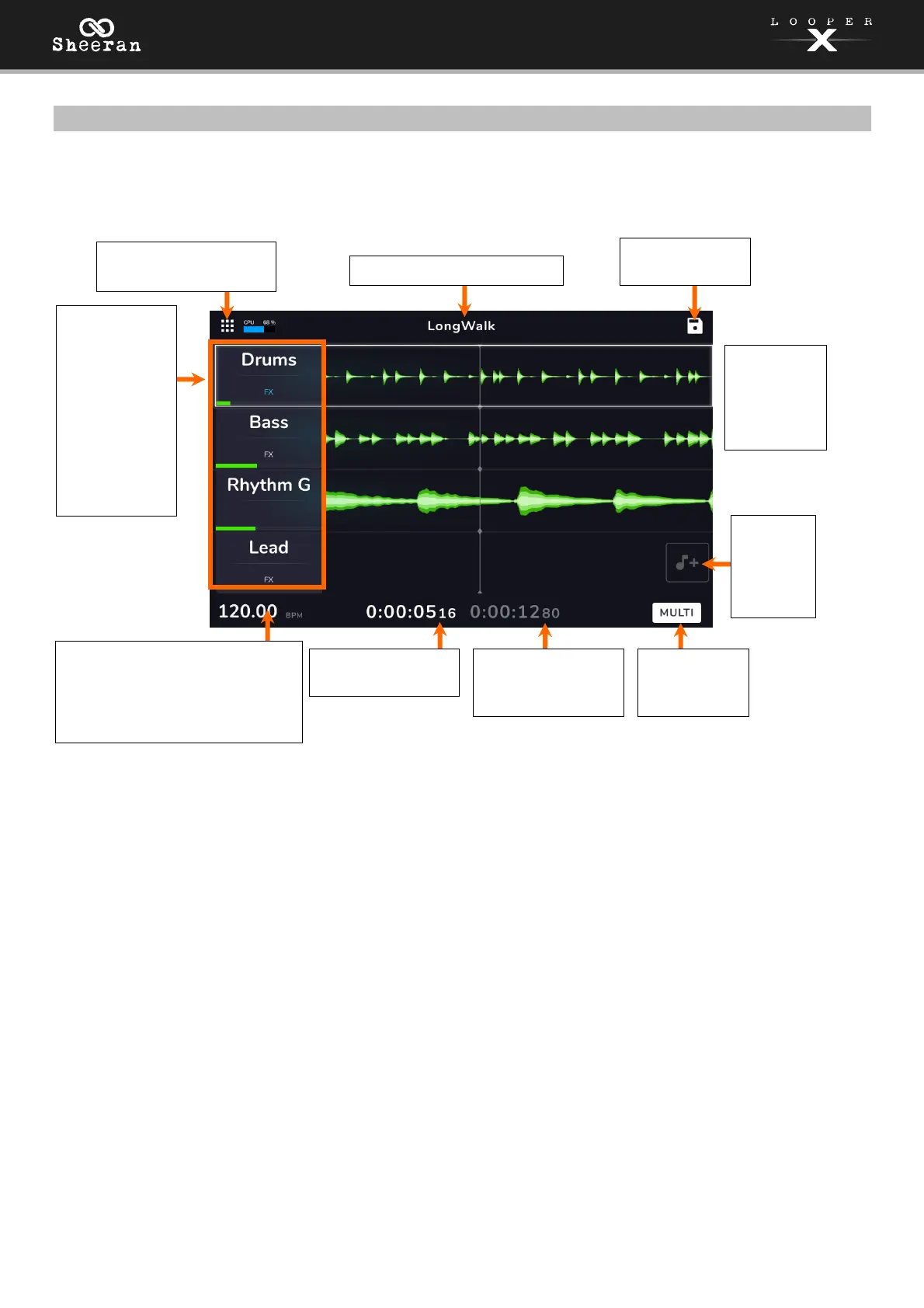
Wave view is similar to Track view. It can also be used as a performance view, but instead of displaying
the incoming track audio levels, it displays waveforms of the loop audio.
This is the length
of the longest
track in this loop.
This is the current tempo, which
you can change by pressing the
Tempo pedal at the desired
speed, or by tapping here and
turning the encoder.
Tap here to access the
navigation menu.
Each lane
displays
the track’s
recorded
audio.
This is the name of the loop.
This is the current
playback position.
The track info
boxes show
each track’s
name, an FX
indicator, and
a loop
progress bar.
Tap the track
name to
change it.
This is the
Looper Mode
indicator.
Tap here to
save the loop.
Tap to
add an
audio
file from
storage.



 To Next Page