32
(5.9) Loop Settings
Use the Loop Settings page to configure the settings for an individual loop.
To show the loop settings, tap the Navigation Menu icon in the top-left corner of the touchscreen, and
then tap the Loop Settings icon.
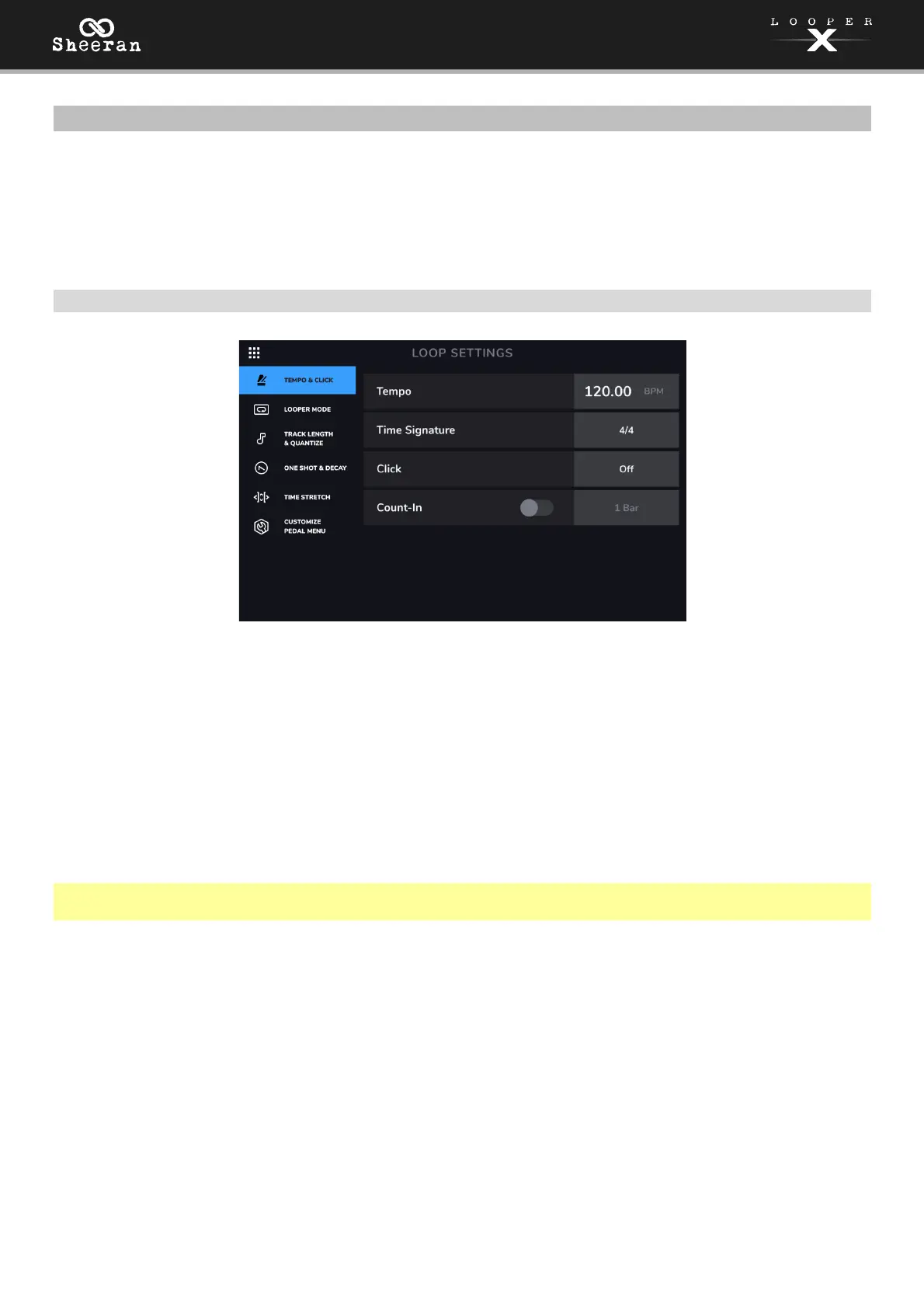
(5.9.1) Tempo and Click
Tempo: This setting determines the tempo of the loop. Tap the BPM on the touchscreen, and then use
the encoder to set the current loop's tempo, from 30–280 BPM.
Time Signature: This setting determines the time signature of the loop. Tap the time signature, and then
use the encoder to set the time signature of the current loop: 2/4, 3/4, 4/4, 5/4, 6/4, 7/4, 5/8, 6/8, 7/8,
8/8, 9/8, 10/8, 11/8, 12/8, 13/8, 14/8 or 15/8.
Click: This setting determines the function of the click track. Set to Rec to enable while recording and
overdubbing, Rec (1st Layer) to enable while recording the first layer only, or set to Play+Rec to enable
when playing or recording and overdubbing. Set to Off to disable the click.
Note: You can adjust the level of the click track in the (5.4) Mixer page when the Show Mixer Click &
B.Track has been set to On in the (5.10) Global Settings menu.
Count-In: This setting determines how the count-in feature functions. Set to On to enable the count-in
before a loop starts to play, record or overdub. Tap the Bar value on the touchscreen and turn the encoder
to adjust the number of measures for the count-in. Set to Off to disable the count-in.



 To Next Page