30
(5.7.1) Storage
As you create and save loops, your Sheeran Looper X's internal storage may become full. To prevent this,
you can connect external USB or SD storage as needed. This gives you virtually unlimited storage of loops!
To enter the Storage page, tap the Navigation Menu icon in the top-left corner, and then tap the
Storage icon.
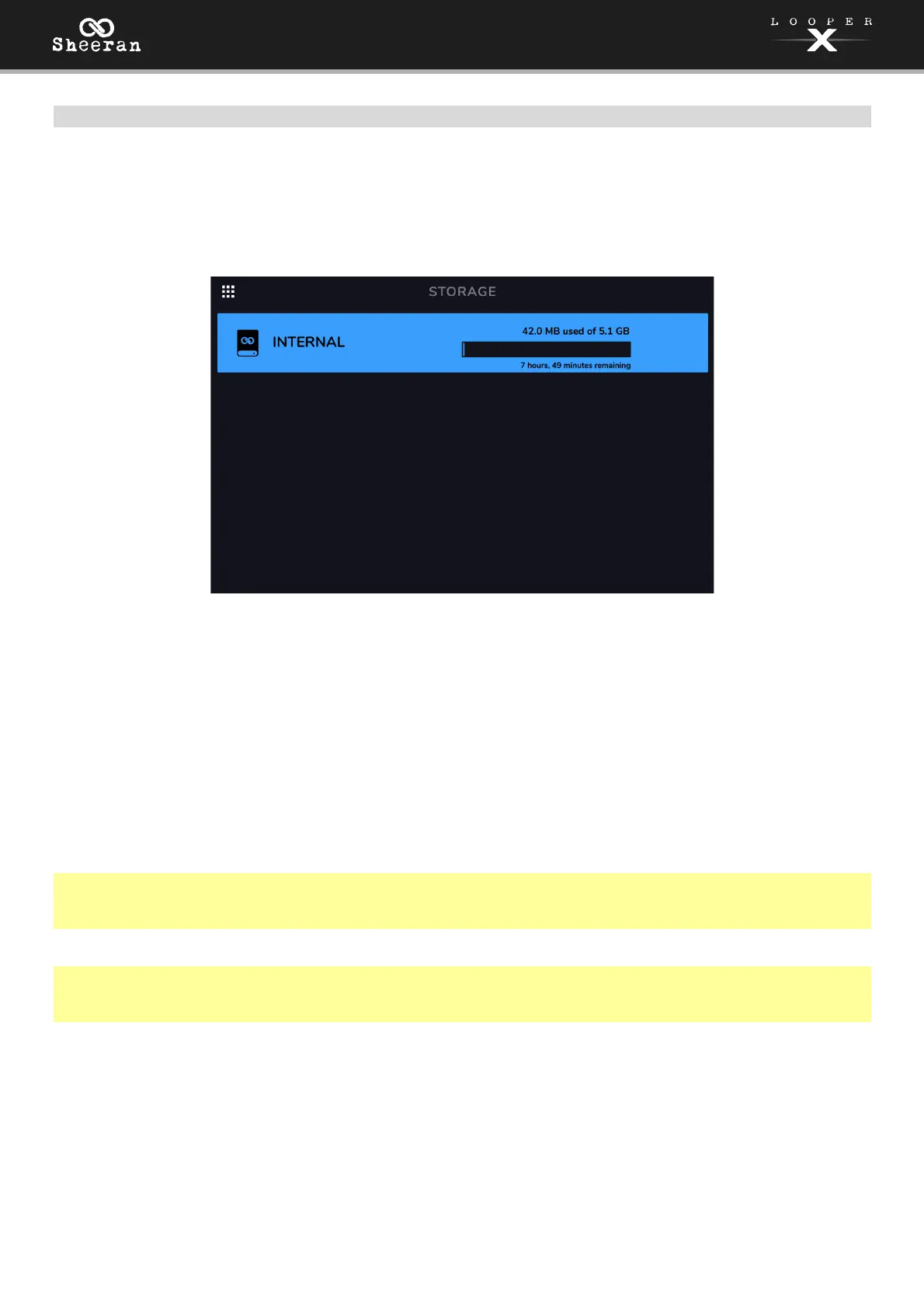
On the storage page, you will see meters that show the available storage space as well as the remaining
available looping time for Sheeran Looper X’s internal storage, as well as any connected USB/SD external
storage devices.
To select a new storage device to use for looping, tap the name of the device. Once the device has been
selected, all new loops created will be stored using this device.
After making your selection, you can exit the Storage page by tapping the Navigation Menu icon in the
top-left corner of the touchscreen.
Tip: If you save a loop to an external storage device before changing to the external storage device on the
storage page, you will still be working with the loop in its initial location. If you want to continue to work
on the external storage device, you will need to load the loop from its new storage device.
Important: To avoid file loss or damage to your media, only disconnect external USB and SD storage
devices from Sheeran Looper X while it is powered off. Alternatively, tap the device’s eject icon on the
storage page.



 To Next Page