129
NICE
1. Place the new RC (to be encoded) and the old RC (already
working in receiver) facing each other.
2. Press and hold the new RC (to be encoded) button until the
red LED of the old RC (already working in receiver) lights up.
At this point release the button.
3. Press the button of the old RC (already working in receiver)
while it is flashing. LED of the new RC will light up to
confirm the correct duplication.
If the above process should not be successful, get closer to the
receiver and proceed with the following instructions:
1. Press for about 7 seconds the button you want to encode on
the new RC.
2. Press the operating RC button 3 times in succession.
3. Press the new RC button again.
Wait at least 10 seconds and try to open the gate with the fresh
programmed RC. To duplicate further RCs repeat the process
starting from point 1.
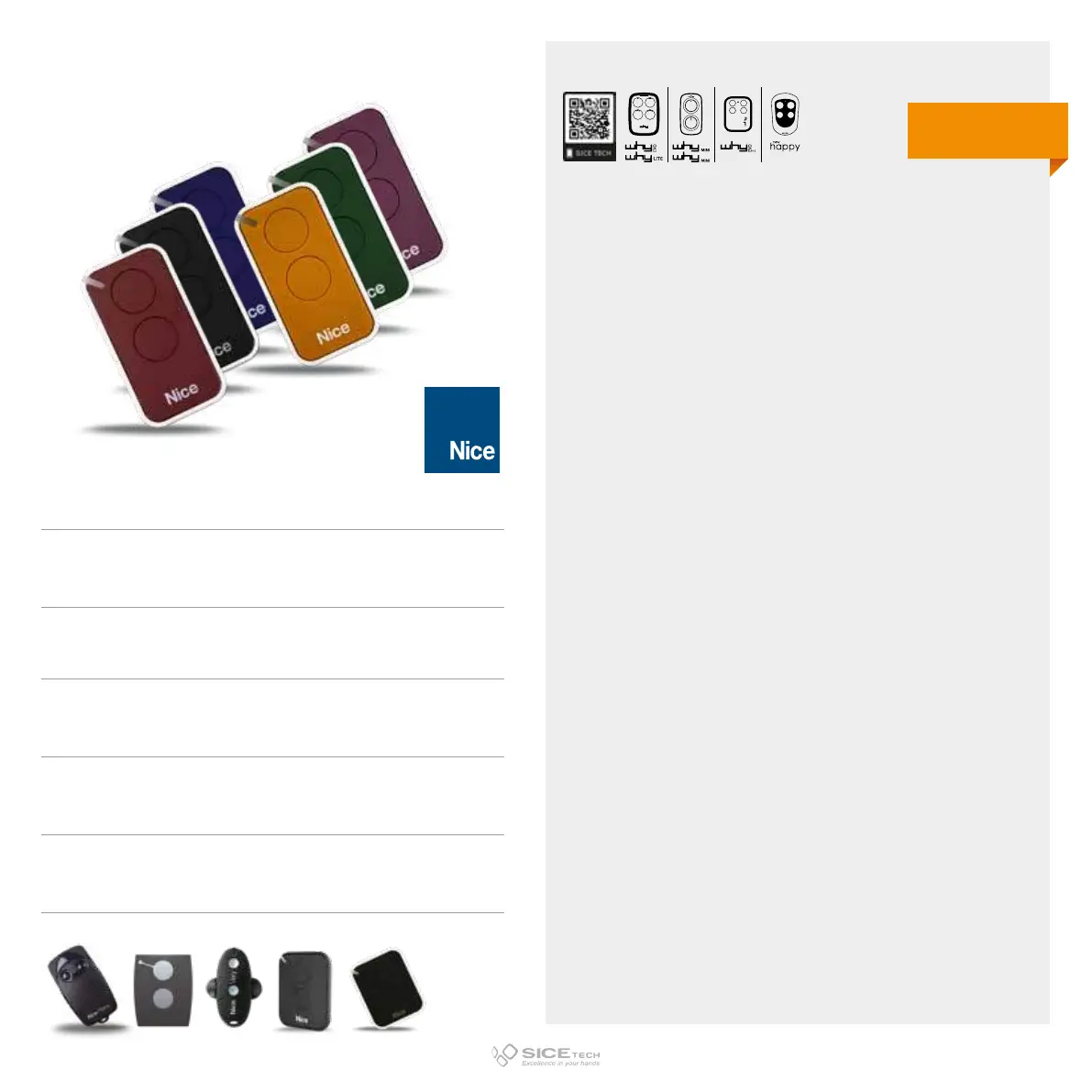
INTI2R ROSSO
Cod. 6900959
INTI2 NERO
Cod. 6900958
INTI2Y GIALLO
Cod. 6901182
INTI2G VERDE
Cod. 6901183
INTI2B BLU
Cod. 6901180
INTI2L LILLA
Cod. 6901151
Compatible with Flor-S, Nice ONE, VERY-VR, FLO2RE, ON2E RCs
433.92 MHz
Rolling code
DUPLICABLE THROUGH UNIVERSAL RCs
EVO
LITE



 To Next Page