137
PRASTEL
The duplication process should be carried out in the
immediate proximity of the receiver CU.
1. Press (with a pin or paper clip) the hidden button on the
back of the original RC (the receiver is activated on learning
mode).
2. Press one of the buttons on the new RC to enable it.
3. Wait about 10 seconds for the receiver to exit the learning
mode and try the new RC.
If the process is not successful or if errors are made during
programming, wait 20 seconds and start the programming
process again from point 1.
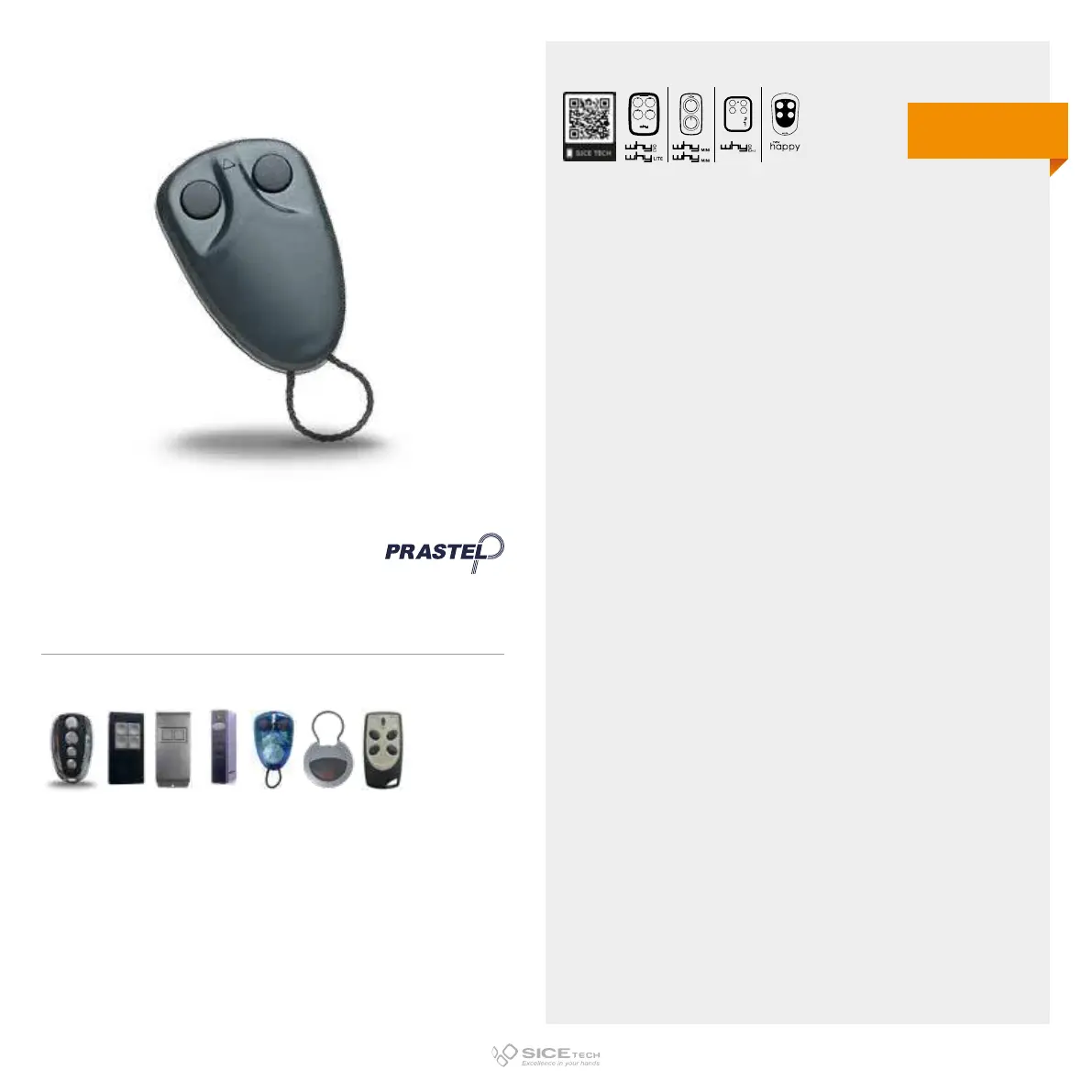
MPSTP2E
Cod. 6900980
Compatible with PRASTEL TC4E, EXTEL ATEM80001, PRASTEL MPSTF2RE, PRASTEL MPSTF4RE, PRASTEL
MPSTL-1E, PRASTEL MPSTL-2E, PRASTEL MPSTL-4E, PRASTEL MPSTP2E blue, PRASTEL MT4E, PRASTEL
MT2E, PRASTEL TRQ4P, PRASTEL TC2E, PRASTEL TRQ2P RCs
433.92 MHz
Rolling code
DUPLICABLE THROUGH UNIVERSAL RCs
EVO
LITE



 To Next Page