138
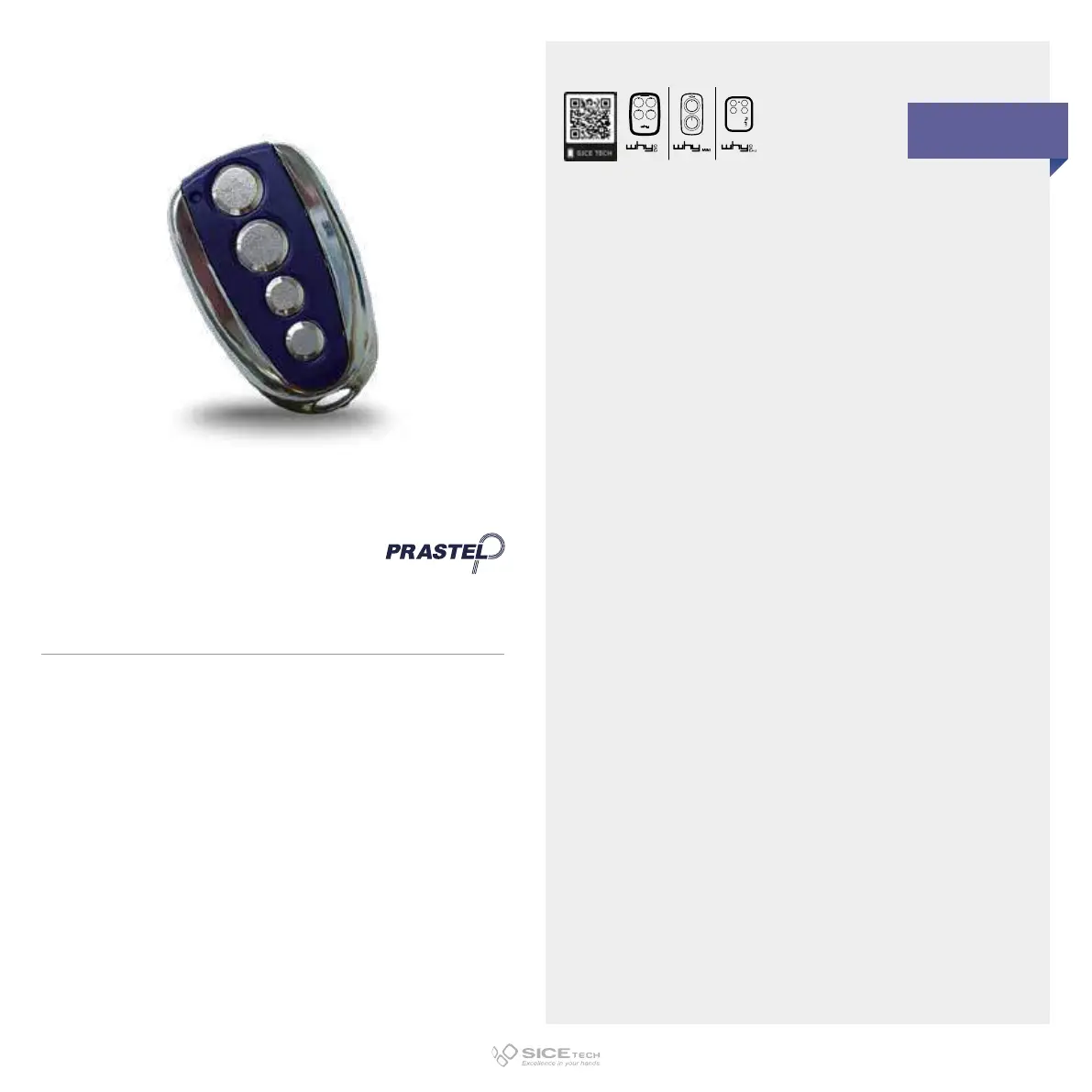
PRASTEL
The duplication process should be carried out in the
immediate proximity of the receiver CU.
1. Press buttons 1 and 2 of the operating RC at the same time
and release them; after 2 seconds LED will light up and turn
o.
2. When LED turns on again, press buttons 1 and 2 again at the
same time and keep them pressed until LED starts flashing.
3. At the end of the flashing, the RC carries out a transmission,
activating the receiver learning mode.
4. The receiver remains in learning mode for 10 seconds
within which you must press the button of the new RC you
want to memorise.
5. Each time the RC is entered, the receiver will reset the
learning time for another 10 seconds to memorise any other
RC. The CU exits the learning mode if no further RC are
connected within 10 seconds.
TC4S
Cod. 6901052
868.35 MHz
Rolling code
DUPLICABLE THROUGH UNIVERSAL RCs
EVO



 To Next Page