148
SEA
1. Press and hold buttons 1 and 2 of the new RC until LED
starts flashing quickly. Release the buttons.
2. Now press the button of the new RC you want to program.
LED remains steady. Release the button.
3. Move the working RC closer to the new one and press the
button you want to program. LED will flash twice to indicate
completed duplication.
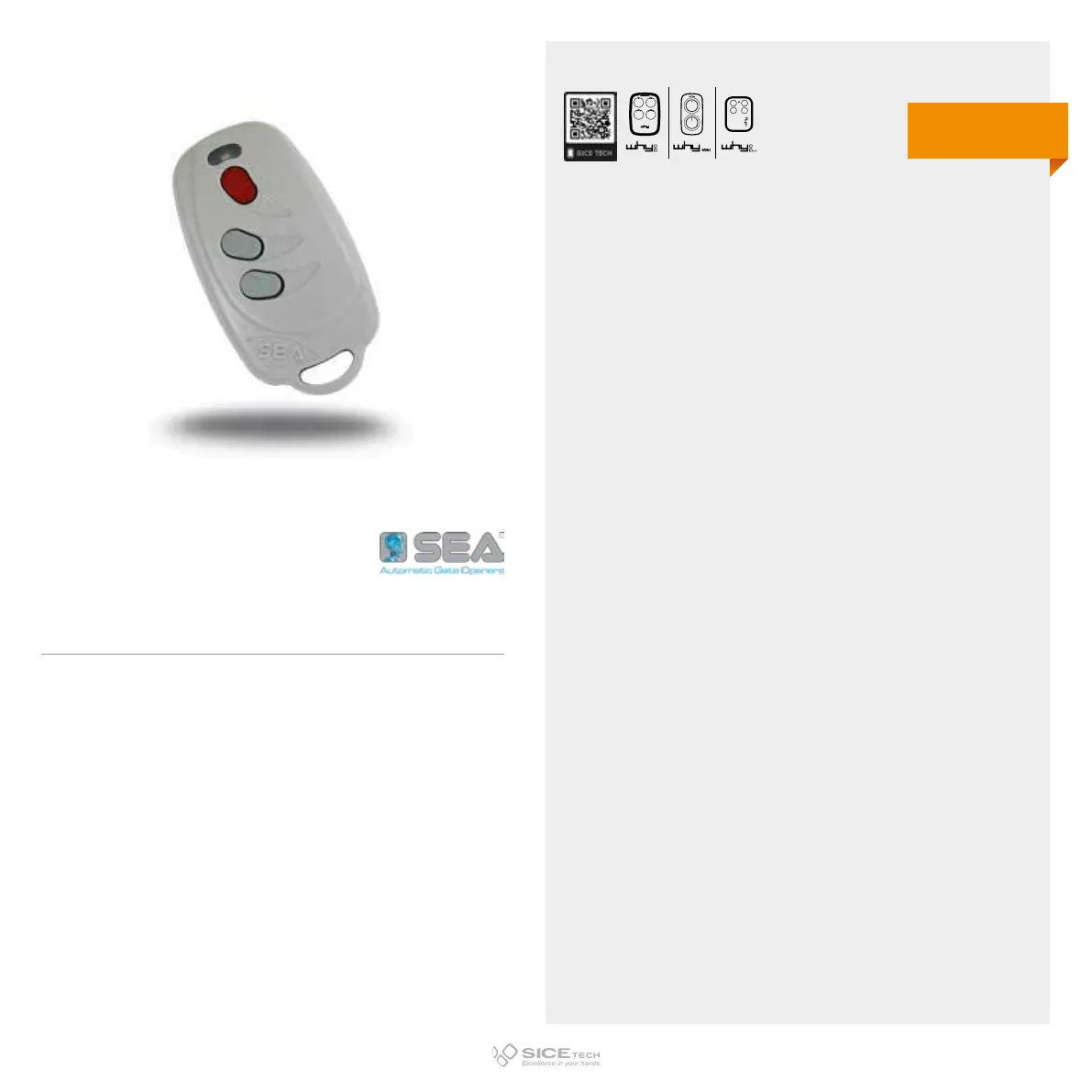
SMART DUAL COPY
Cod. 6901613
DUPLICABLE THROUGH UNIVERSAL RCs
EVO
433.92 MHz
Rolling code



 To Next Page