160
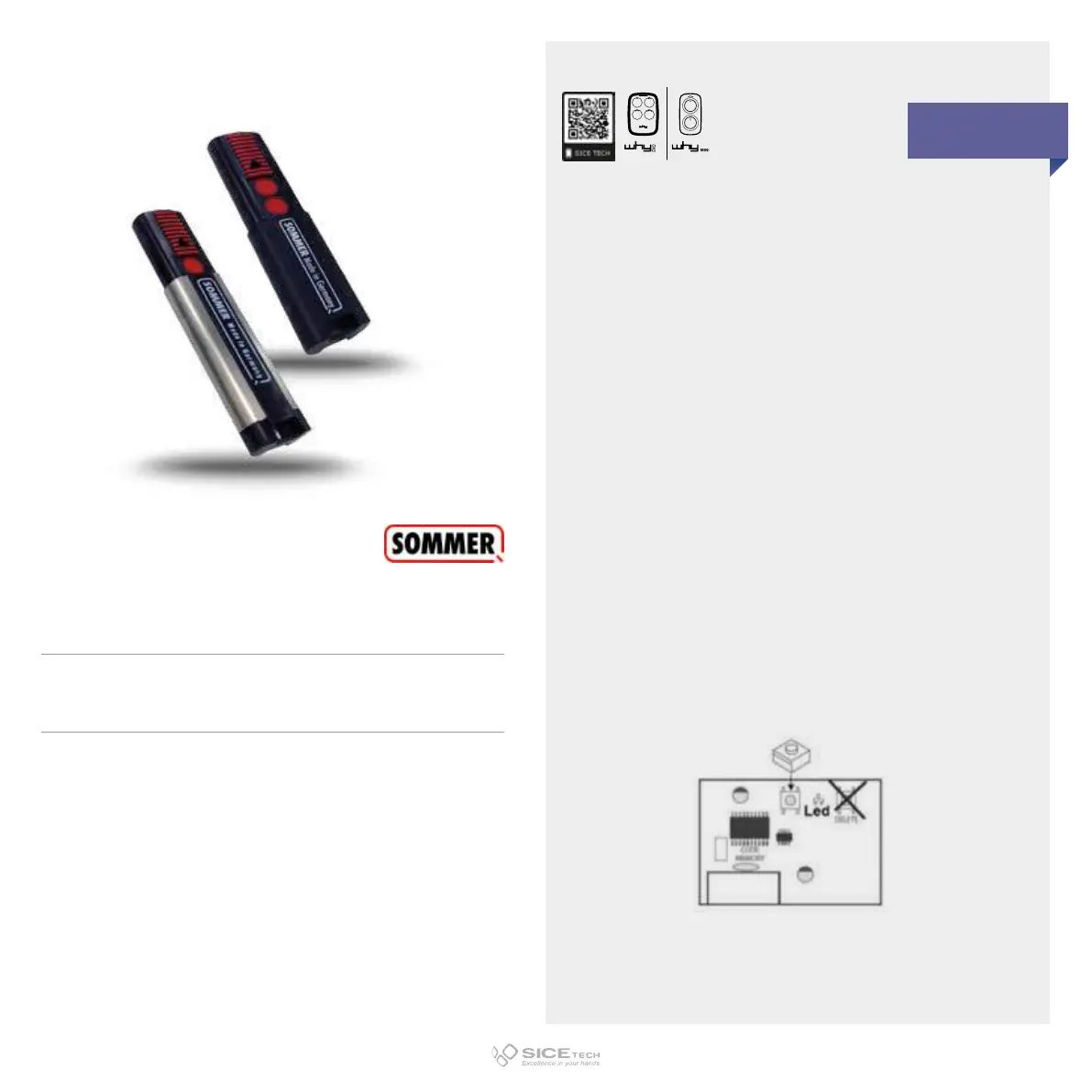
SOMMER
To enable a new RC it is necessary to intervene directly on the
receiving card to access the programming buttons.
1. Press the receiver’s learning button:
once to select channel 1 of the receiver
twice to select channel 2 of the receiver
3 times to select channel 3 of the receiver
4 times to select channel 4 of the receiver
2. LED for the channel to be copied will light up on the receiver.
3. Press the button of the new RC that you want to match to
the selected channel.
4. The receiver LED will go o to indicate that the RC code has
been enabled.
IMPORTANT NOTE:
Pay attention to the colour of the RC SOMMER LED. Version 868
has a RED LED while version 434 has a YELLOW LED.
4026 TX 03-868-2
Cod. 6900892
4020 TX 03-868-4
Cod. 6900894
DUPLICABLE THROUGH UNIVERSAL RCs
EVO
868.35 MHz
Rolling code FM



 To Next Page