166
TELCOMA
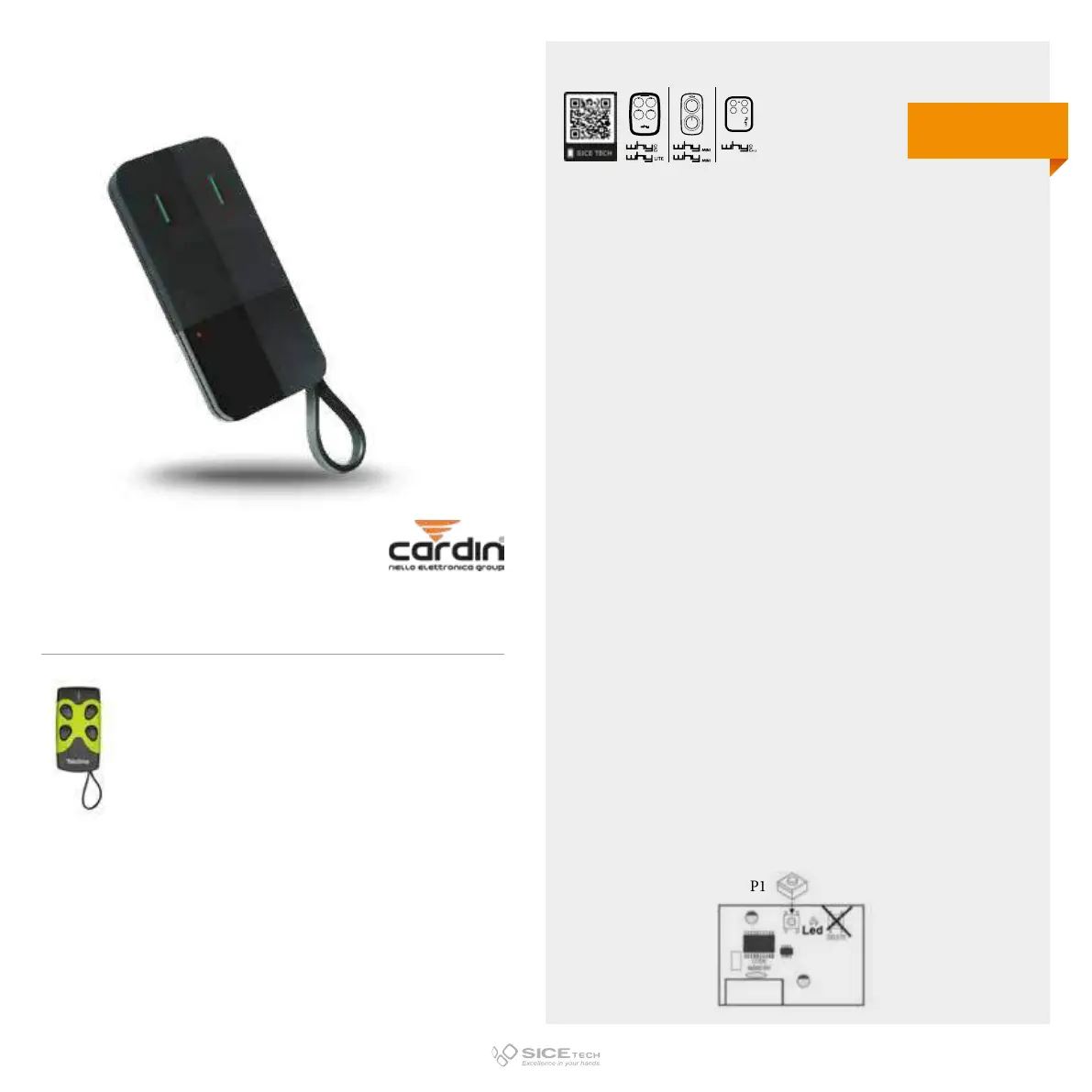
Now marketed with Brand CARDIN TRADE
To enable a new RC it is necessary to intervene directly on the
receiving card to access the programming buttons.
1. Press and release button P1 (on the receiver): LED L1 will
emit a series of 5 flashes.
2. While the receiver LED is flashing, press the new RC button
(to be coded) that you want to program.
3. LED Ll (on the receiver) will light up for about three seconds
as confirmation that the code has been memorised
correctly.
4. LED Ll will start flashing again, waiting for a new RC; if
within 5 flashes it does not receive any, the receiver will
automatically exit the programming mode.
5. Follow the same procedure for the other button (P2 on the
receiver).
IMPORTANT NOTE:
1. The simultaneous flashing of all the receiver LEDs during
programming indicates that RC is already enabled.
2. The alternating flashing of all the receiver LEDs during
programming indicates that the memory is full.
FM 402 E
Cod. 6900949
Compatible with FM TELCOMA 404 RCs
DUPLICABLE THROUGH UNIVERSAL RCs
EVO
LITE
433.92 MHz
Rolling code FM



 To Next Page