102
FADINI
1. Select ASTRO or JUBI 433* mode. To switch to ASTRO 43 or
JUBI 433 compatibility mode or vice versa, press buttons 1
and 4 simultaneously for 5 seconds -> 1 confirmation flash
for ASTRO 43 mode, 3 confirmation flashes for JUBI 433
mode.
2. Press and keep button 1 pressed and simultaneously press
button 2 -> 3 confirmation flashes then fixed led on DIVO 71.
3. Press and hold any button on the ASTRO 43 or JUBI 433 or
DIVO 71 until DIVO 71 LED flashes 3 times.
In case of unsuccessful copying or memorisation: check the
configuration mode of the DIVO 71 transmitter which must be
the same as the transmitter or receiving radio (ASTRO 43 or JUBI
433).
* IMPORTANT NOTE:
Astro (fix code)
Jubi433 (rolling code)
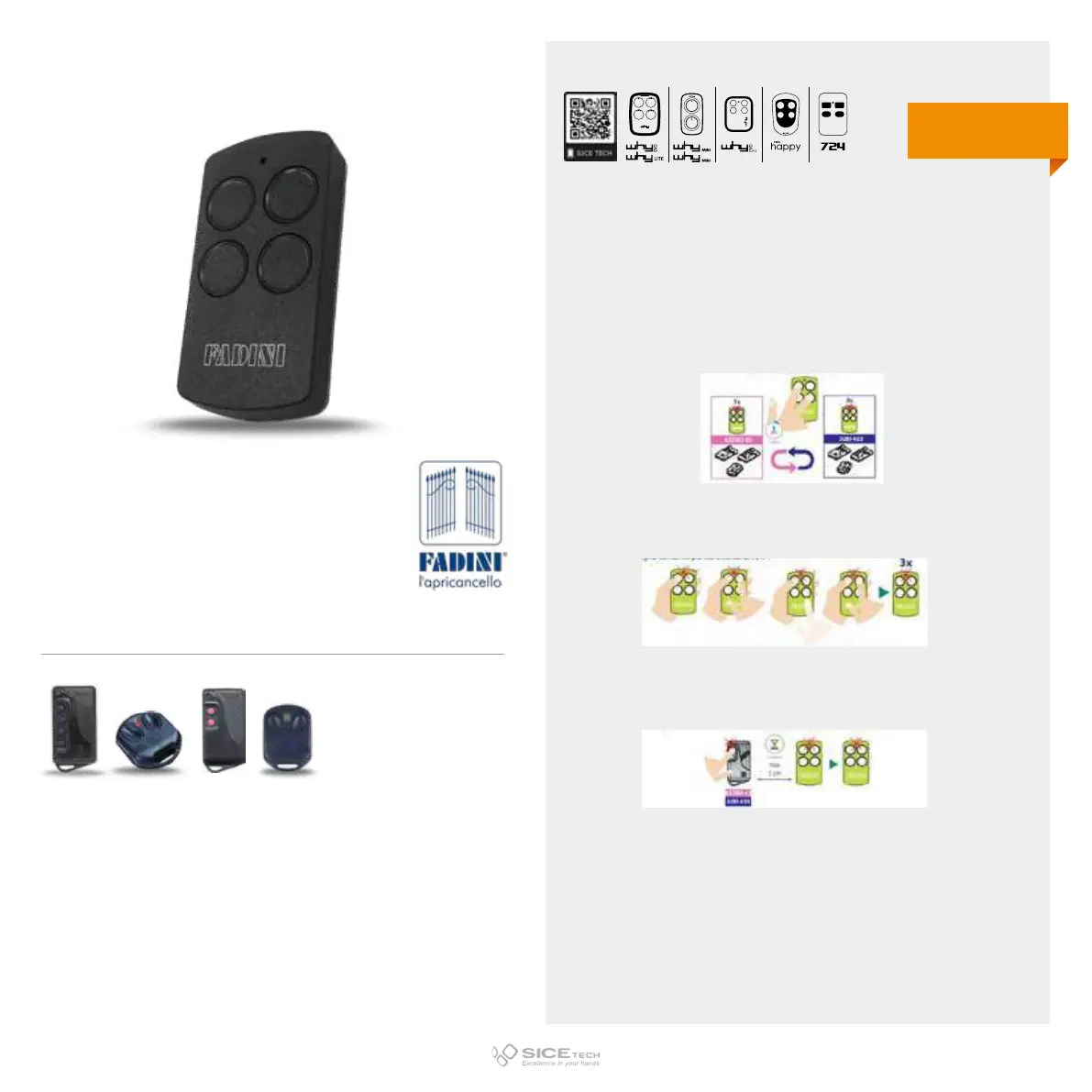
DIVO 71/4 GREY
Cod. 6902994
Compatible with FADINI JUBI 433 (tasti blu), JUBI SMALL, ASTRO, ASTRO 43 RCs
433.92 MHz
Fix & rolling code
EVO
LITE
DUPLICABLE THROUGH UNIVERSAL RCs



 To Next Page