104
FADINI
The duplication process should be carried out in the
immediate proximity of the receiver.
1. Press and hold the first button of the new RC (to be coded)
until LED goes out then release the button.
2. Press and hold the second button of the new RC (to be
encoded) until LED goes out, then release the button.
3. Press and hold the first button of the operating RC in
receiver until LED goes out, then release the button.
4. Press and hold the second button of the operating RC in
receiver until LED goes out, then release the button.
5. Wait a few seconds and try the new RC.
IMPORTANT NOTE:
RC Fadini SITI or BIRIO are often pre-coded with a “system code”
by the installer. In this case the process described above does
not work.
To duplicate these RCs, you will need to contact the installer of
the automation exclusively.
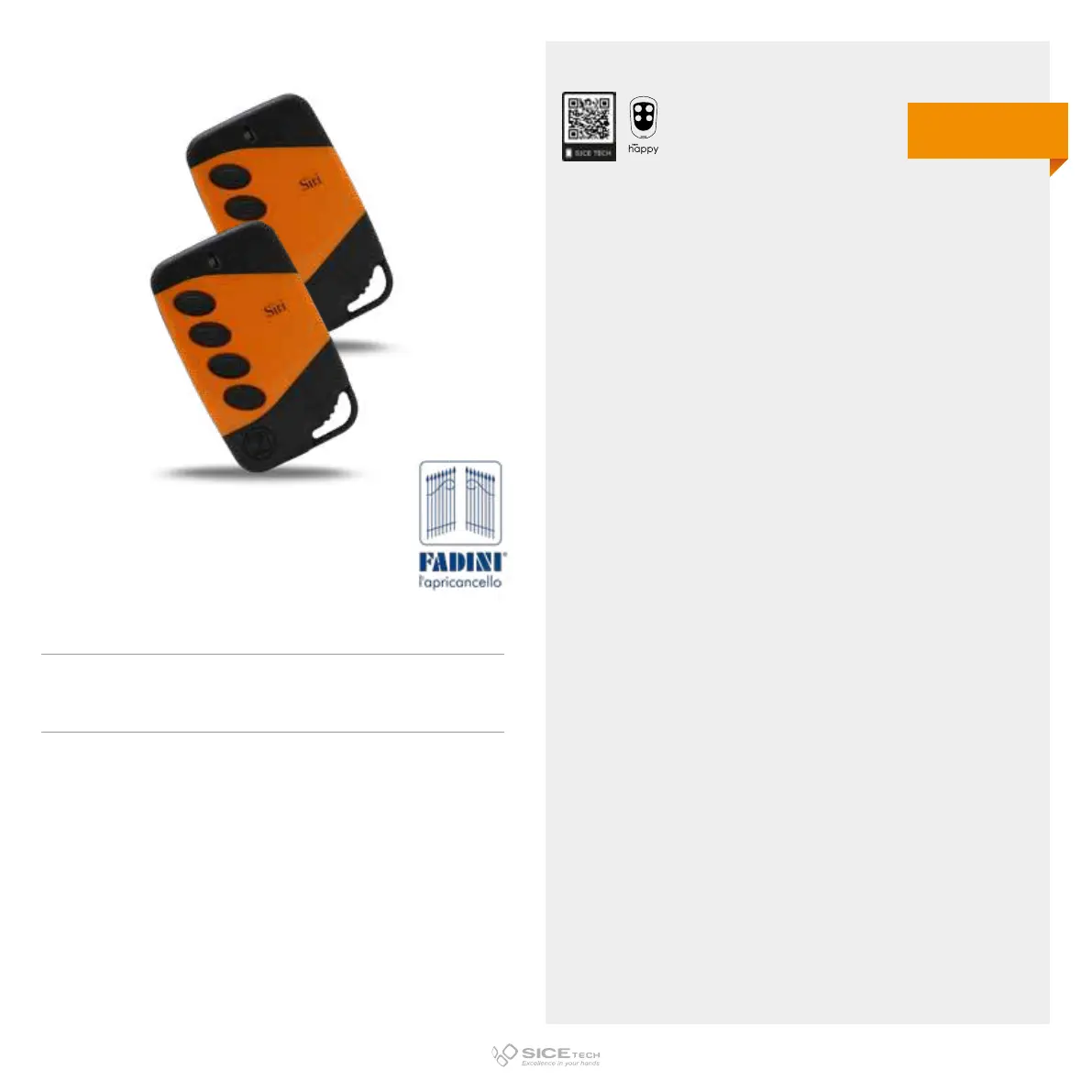
SITI 63 2 433
Cod. 6900991
SITI 63 4 433
Cod. 6900990
433.92 MHz
Rolling code
DUPLICABLE THROUGH UNIVERSAL RCs



 To Next Page