Operating Instructions, 01/2021, A5E43920357-AA
51
Installing and connecting the device
3.1 Preparing for mounting
3.1.1 Scope of delivery
Device and hardware for the device
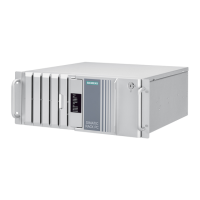
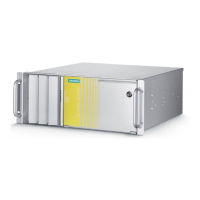
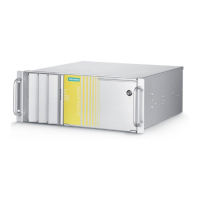
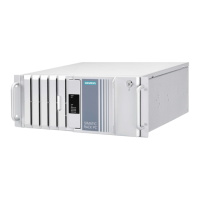
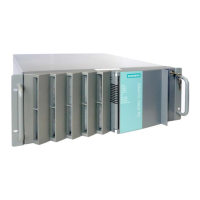
• Rack PC SIMATIC IPC547J
• Power cable (country-specific): 1 power cable*
For redundant power supply: 2 power cable*
• Strain reliefs: 1 strain relief for USB and LAN interfaces, 2 removable cable ties
• Power plug latch:
1 strain relief if AC power supply was ordered
2 strain reliefs if redundant power supply was ordered
• Keys for front door: 2 keys
• For device with drive cage type A:
2 keys for removable trays
• Self-adhesive enclosure feet: 4 units
(* if ordered with power supply cable)
Supplied data storage medium
On the supplied data storage medium (read only) you will find:
• Software and tools to recover your ordered Microsoft® Windows® operating system
• Device drivers for installation in operating systems
• Quick Install Guide SIMATIC IPC547J
• SIMATIC IPC547J operating instructions
• Product information
• User manual (UM) for the motherboard with firmware/BIOS description and hardware
description of the interfaces
• Operating instructions for your ordered Microsoft® Windows® operating system on this
device


 To Next Page