6.2 Creating a project and configuring the communication
6.2.1
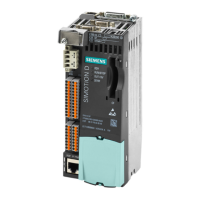
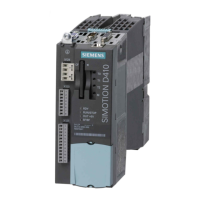
Creating a SIMOTION project and inserting a SIMOTION D410-2
Procedure
Proceed as follows to create a new project in SIMOTION SCOUT and insert a
SIMOTION D410-2:
1. Select the Project > New... menu command.
2. Enter a name for your project in the "New Project" dialog box and confirm your entry with
"OK".
A new folder with the name of the project will be created in the project navigator.
Parameter assignment / addressing
6.2 Creating a project and configuring the communication
SIMOTION D410-2
104 Commissioning and Hardware Installation Manual, 01/2015



 To Next Page
 Loading...