5.5 Performing a reset
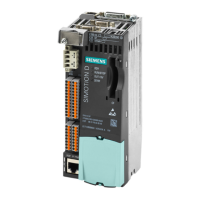
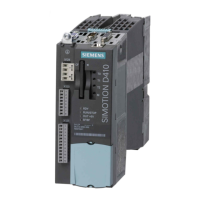
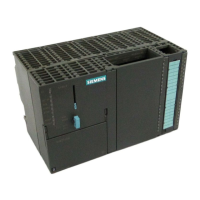
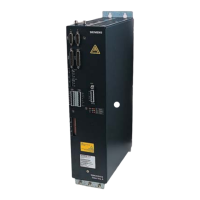
The RESET button is located behind the blanking cover on the SIMOTION D410‑2.
The entire system is reset when the RESET button is pressed and a new power-up of the
system
forced. This operation is comparable with a "Power on Reset" but does not require the
disconnection of the 24 V power supply.
Commissioning (hardware)
5.5 Performing a reset
SIMOTION D410-2
Commissioning and Hardware Installation Manual, 01/2015 85


 To Next Page
 Loading...