91
Managing SimpleShare Disk Pool
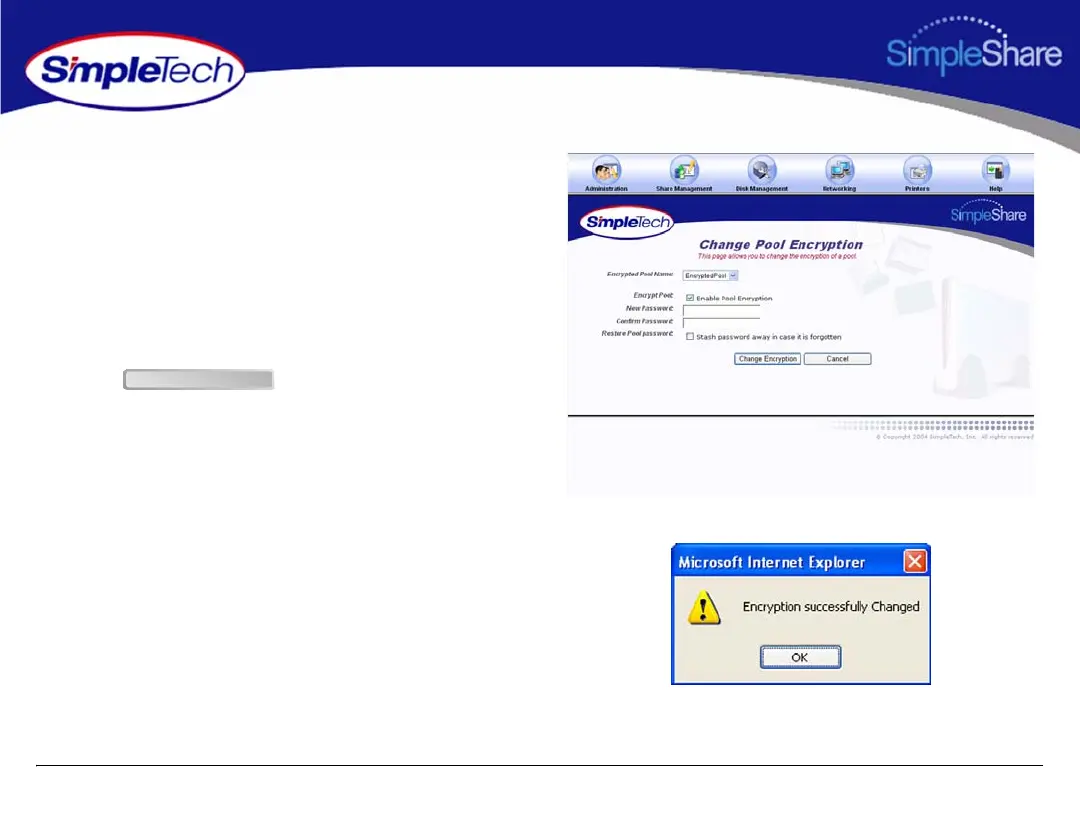
3 From the Encrypted Pool Name list, choose the pool
you want to modify.
4 In Encrypt Pool, make sure Enable Pool Encryption is
selected.
5 In New Password, delete the encryption password,
making sure the text box is empty. In Confirm
Password, delete the encryption password, making
sure the text box is empty.
6 Click .
Change Encryption



 To Next Page