21
Managing SimpleShare Administration
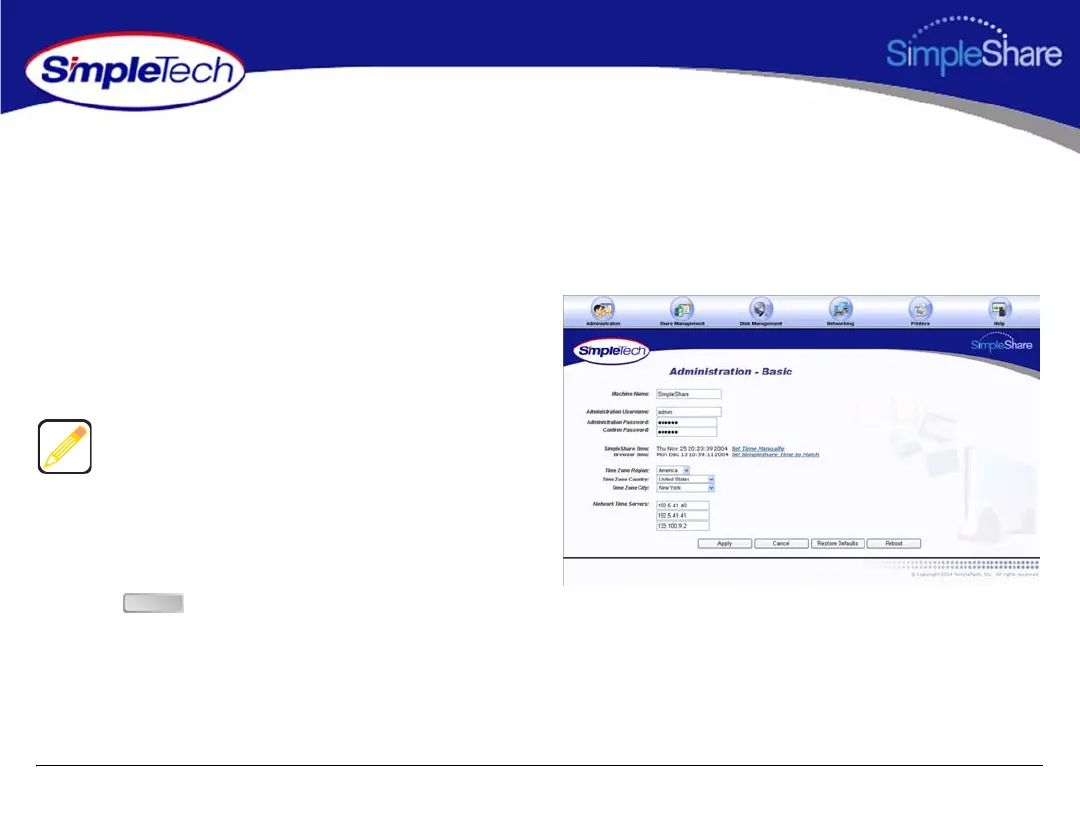
SETTING THE ADMINISTRATION USERNAME AND PASSWORD
The Administration Security Setup page allows you to specify a username and password pair to guard against unauthorized
access to SimpleShare's Web-based configuration utility. To enable security, you may choose to specify a username, a
password or both. To disable security, leave the Username and Password text boxes empty.
1 In the Administration menu, click Basic.
2 Enter a new administration username and/or password
for SimpleShare. In Confirm Password, re-enter the
new password to verify that it was entered correctly.
3 Click .
The username and password are case-sensitive.
Administration Security treats the username “ADMIN”
differently from “admin.”
Usernames and passwords should be at least eight
characters long and may contain any combination of
alphanumeric characters (A-Z and 1-9) and special
characters such as &, $, and >. Spaces are not allowed.
Apply



 To Next Page