24
Managing SimpleShare Administration
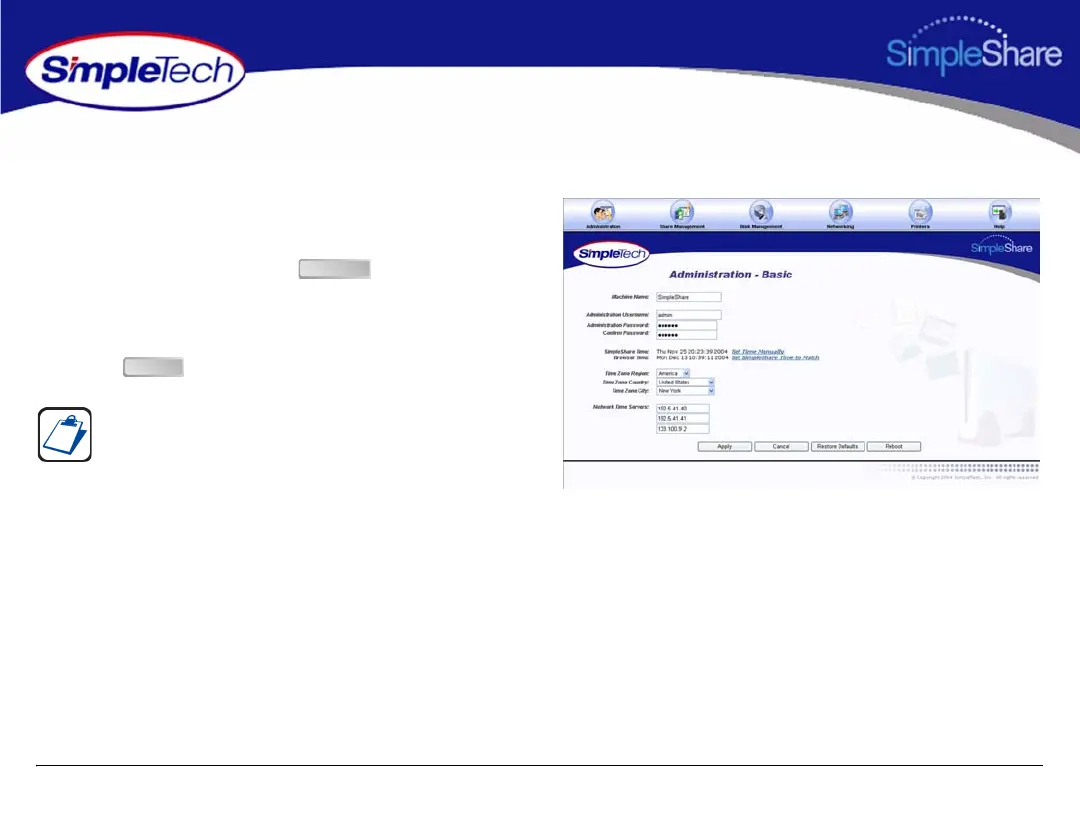
ACQUIRING THE DATE AND TIME FROM YOUR BROWSER
1 In the Administration menu, click Basic.
2 Click Set SimpleTech NAS Time To Match.
3 On the Apply screen, click .
4 On the Administration - Basic page, select the region,
country and city in which SimpleShare is located.
5 Click .
You may need to adjust the time setting in the future to
accommodate daylight savings time.
Continue
Apply



 To Next Page