40
Managing SimpleShare Share
DISABLING SECURITY ON AN EXISTING SHARE
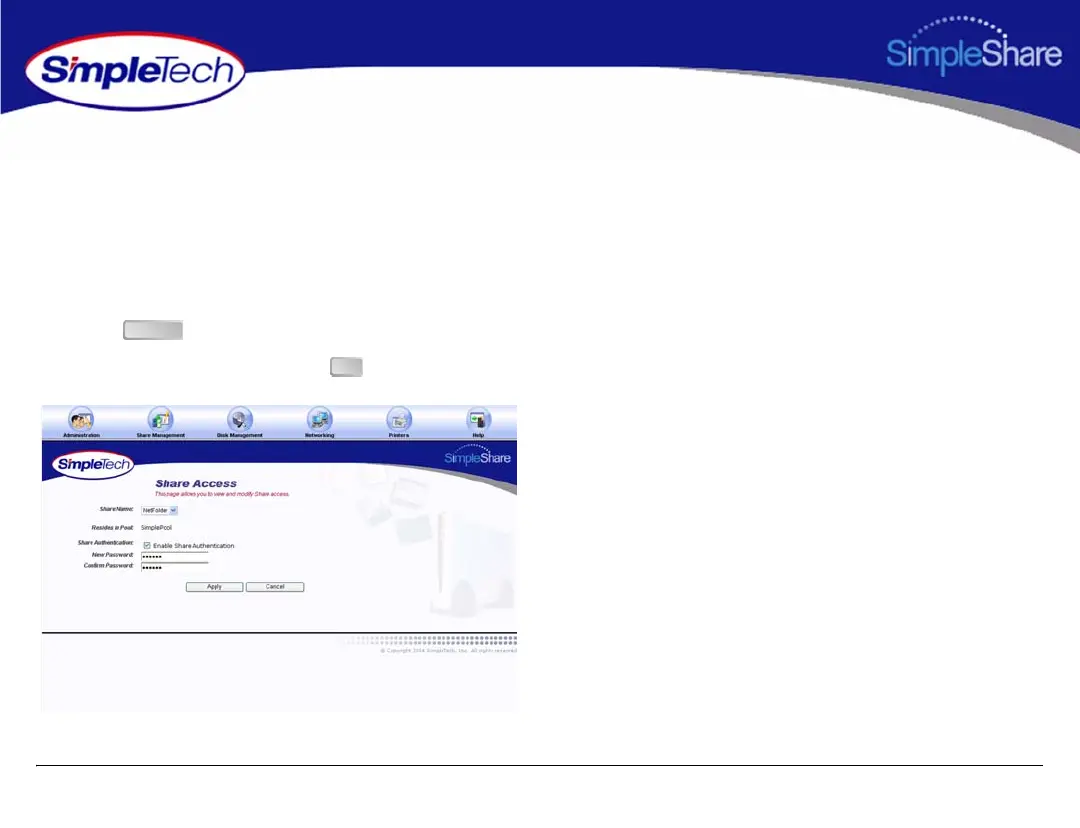
1 In the Share Management menu, click Share Access.
2 From the Share Name list, choose the share you want
to modify.
3 Deselect Enable Share Authentication.
4 Click .
5 In the confirmation dialog, click .
Apply
OK



 To Next Page