62
Managing SimpleShare Foreign and
CHECKING FOREIGN DISK FILE SYSTEM INTEGRITY
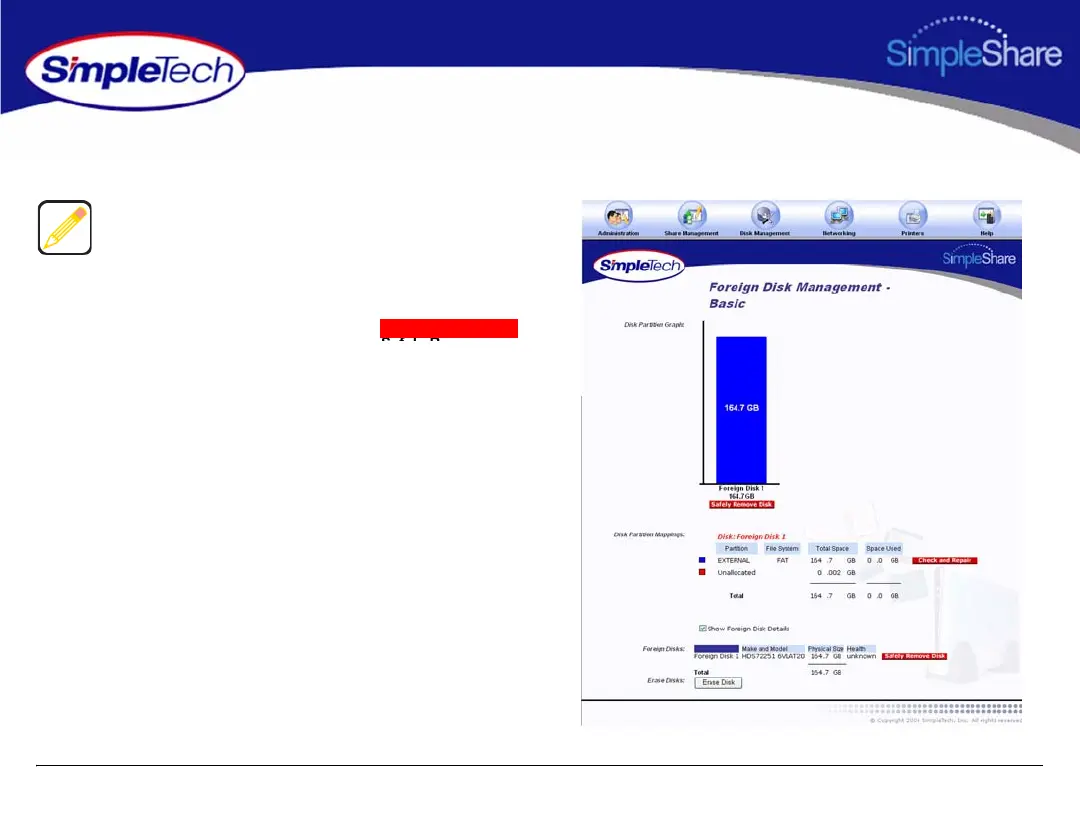
1 On the Disk Management menu, click Foreign Disks.
2 In Disk Partition Mappings, click the
button of the disk you want to repair. SimpleShare
displays the results of the file system integrity check
.
The Check and Repair option is only available for foreign
disks formatted with the FAT file system.
Check and Repair



 To Next Page