51
Managing SimpleShare Basic Disk
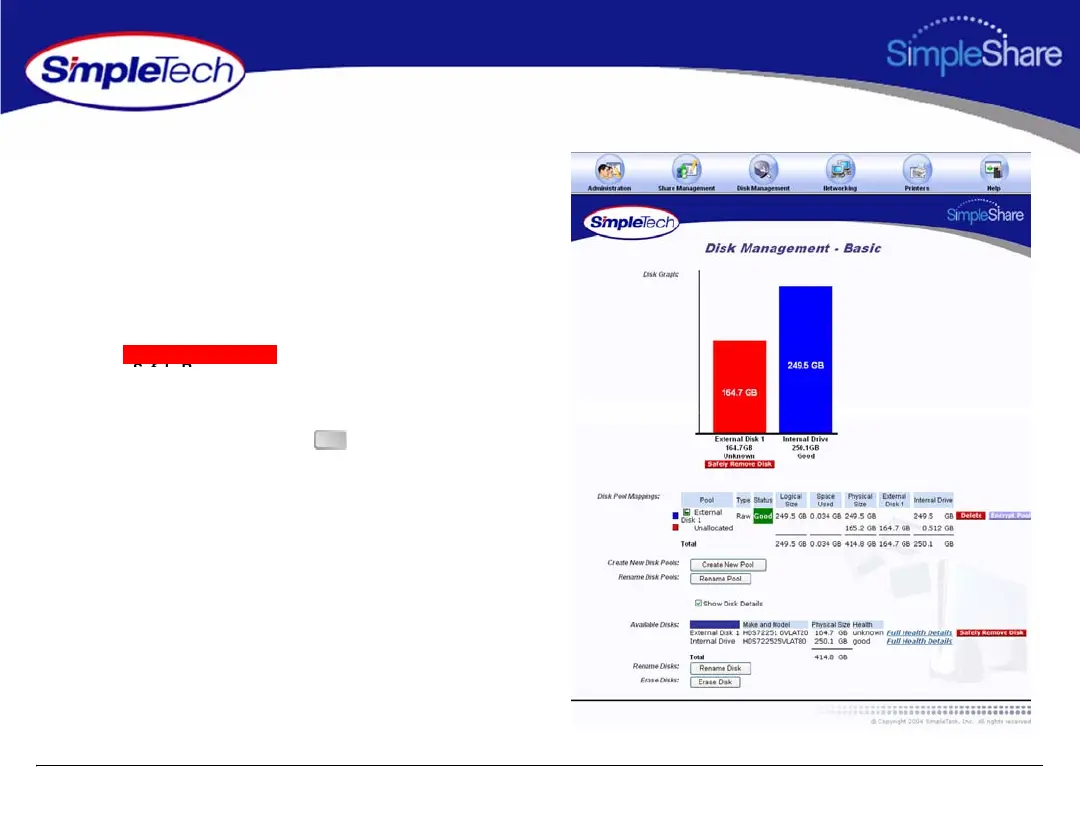
REMOVING EXTERNAL DRIVES
Disconnecting an external USB drive without performing a
safe removal causes an alert notification to appear across the
top of the SimpleShare Administrator window indicating that
the disk was removed unexpectedly.
1 In the Disk Management menu, click Basic.
2 Click below the external drive you
want to remove.
3 In the dialog that appears indicating that the disk can
now be safely removed, click .
Safely Remove Disk
OK



 To Next Page