13
Accessing Shares
A
CCESSING SIMPLESHARE FROM WINDOWS
1 In the Address box of your Web browser, type
\\simpleshare_name
(where simpleshare_name
is the network name of your SimpleShare server), and
then press the key.
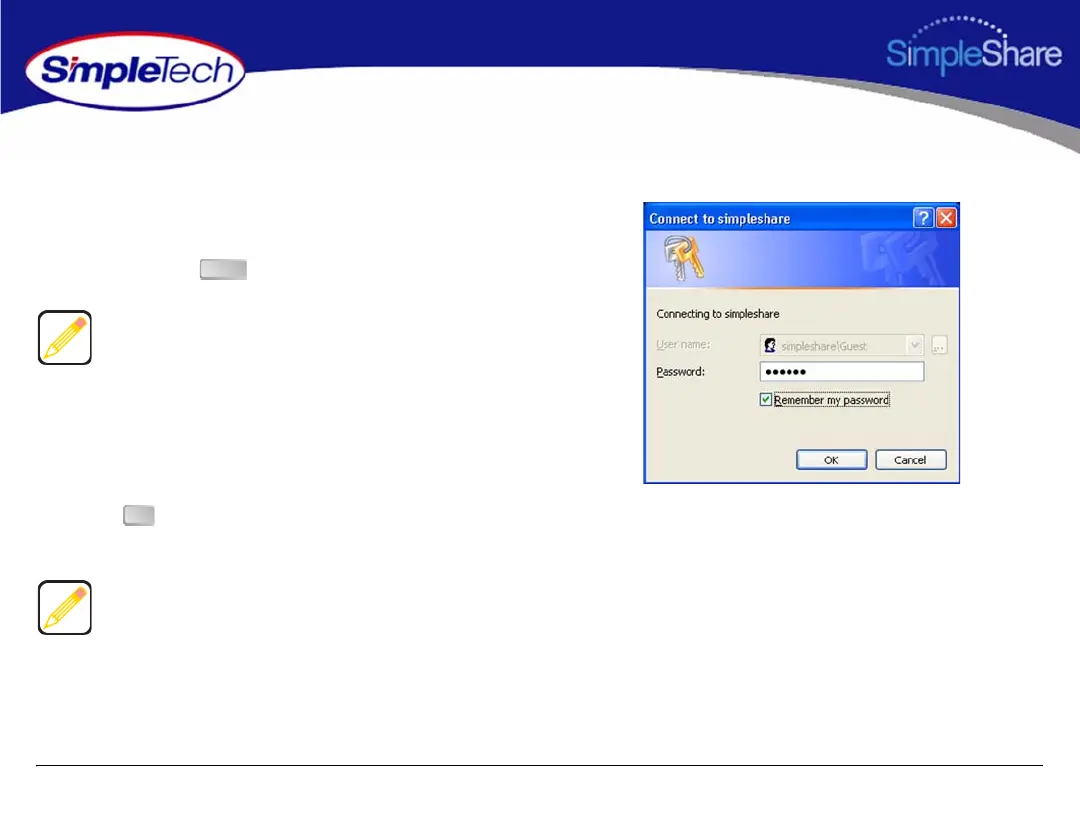
2 In the login prompt, enter your user password for
accessing the shared folders on SimpleShare. If you
want the system to remember your password in the
future, select Remember my password.
3 Click to continue. You will be logged onto
SimpleShare as a guest user.
To access the shared folders, you must type backslash
character when entering SimpleShare’s name.
If your computer is unable to locate SimpleShare (logon
dialog does not appear), check the connections, make sure
SimpleShare is in Ready mode and properly connected to
the network. Then, try to connect to SimpleShare again.
Enter
OK



 To Next Page