80
Managing SimpleShare Disk Pool
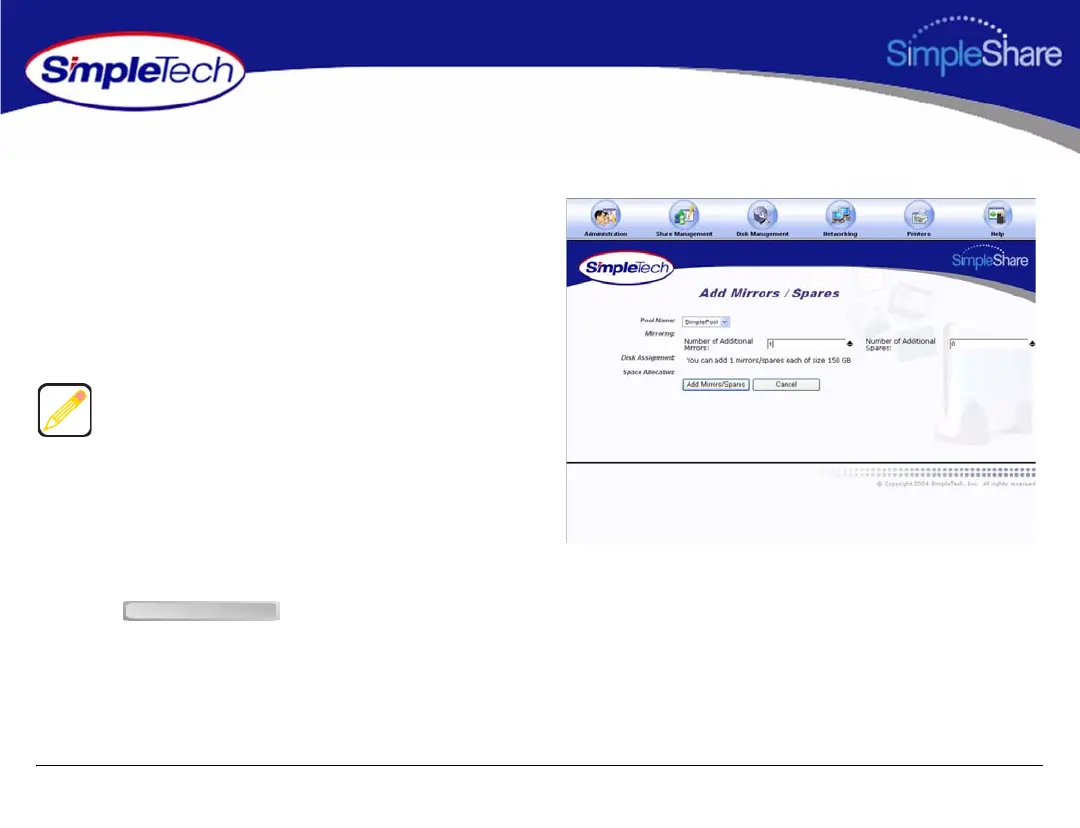
ADDING A MIRROR TO AN EXISTING POOL
1 In the Disk Management menu, click
Add Mirrors/Spares.
2 From the Pool Name list, choose the pool you want to
mirror.
3 In Number of Additional Mirrors, enter the number of
mirrors to be created.
4 In Disk Assignment, select the checkbox for the
drive(s) on which the mirror will be stored. The number
of disks you select must equal the number of pools
specified in Number of Additional Mirrors (see Step 3,
above).
5 Click .
Pools can only be mirror to a separate physical disk.
Therefore, the number of mirrors you can create of a pool
depends on the number of disks connected to SimpleShare.
Add Mirrors/Spares



 To Next Page