34
Managing SimpleShare Share
SHARE MANAGEMENT
SETTING FILE SYSTEM SUPPORT ON SIMPLESHARE
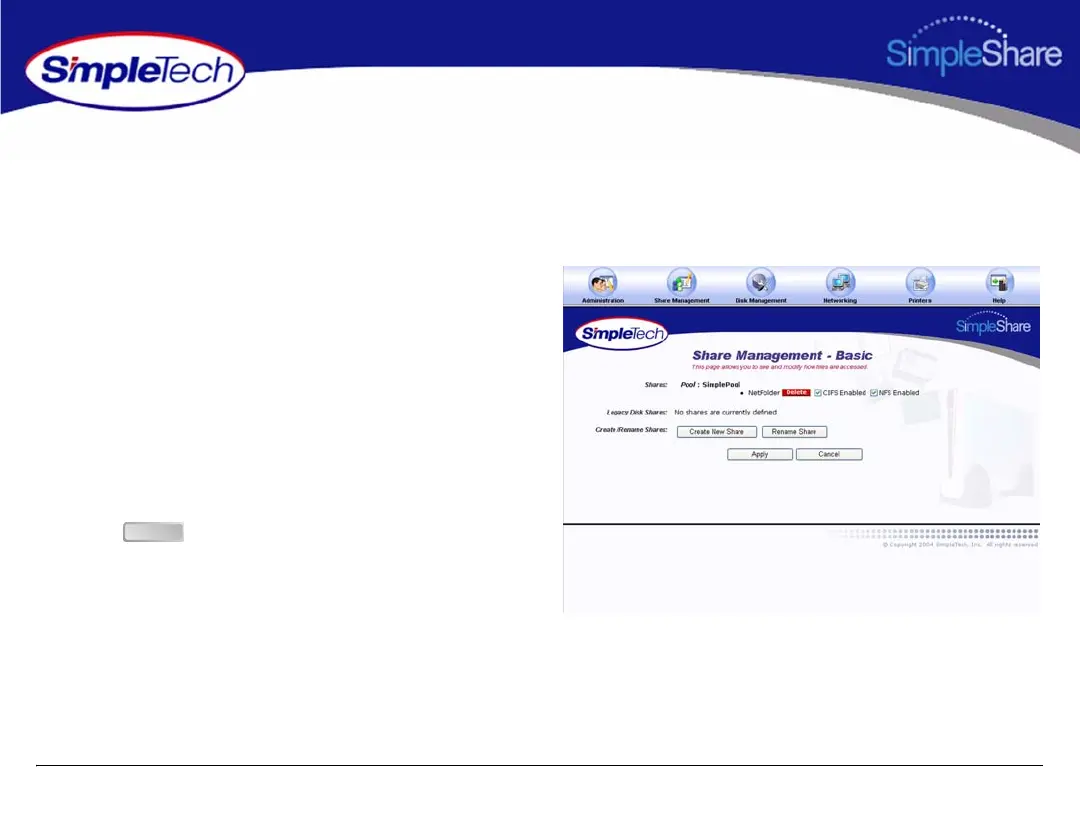
1 In the Share Management menu, click Basic.
2 Locate the shared folder you want to setup, and then
select file system(s) supported on the share.
• To enable CIFS support on SimpleShare for
Windows and Mac computers, select Enabled from
the Windows Access (CIFS) list.
• To enable NFS support on SimpleShare for
Unix/Linux computers, select Enabled from the
Unix/Linux Access (NFS) list.
3 Click .
Apply



 To Next Page