46
Managing SimpleShare Basic Disk
ENABLING DISK POWER MANAGEMENT
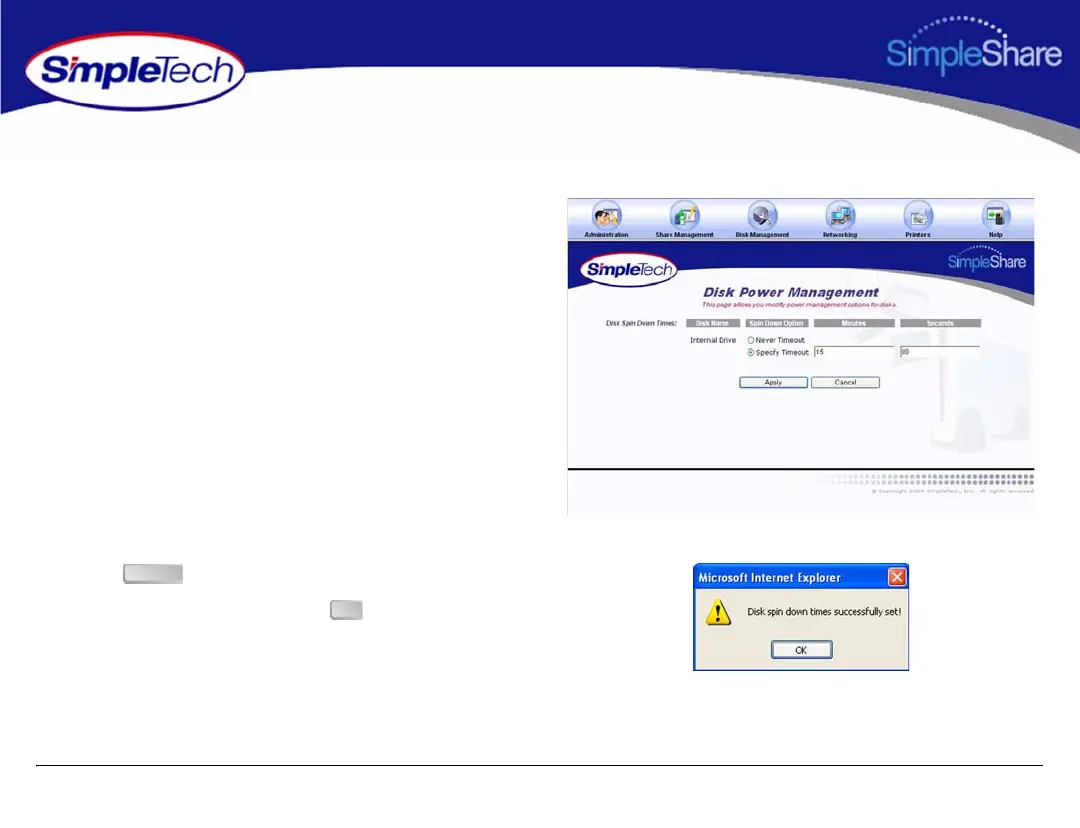
Disk power management allows the internal SimpleShare disk
drive to be automatically powered off during periods when it is
not being accessed.
1 On the Disk Management menu, click Disk Power
Management.
2 Choose Specify Timeout to enable automatic power
management.
3 Enter the time-out period in the Minutes and Seconds
text boxes.The time-out period can range from 0 (zero)
minutes and 0 seconds, up to 21 minutes and 15
seconds. Seconds can only be set in increments of 5.
Seconds values not in increments of 5 (five) are rounded
to the closest multiple of 5.
4 Click .
5 In the confirmation dialog, click .
Apply
OK



 To Next Page