45
Managing SimpleShare Basic Disk
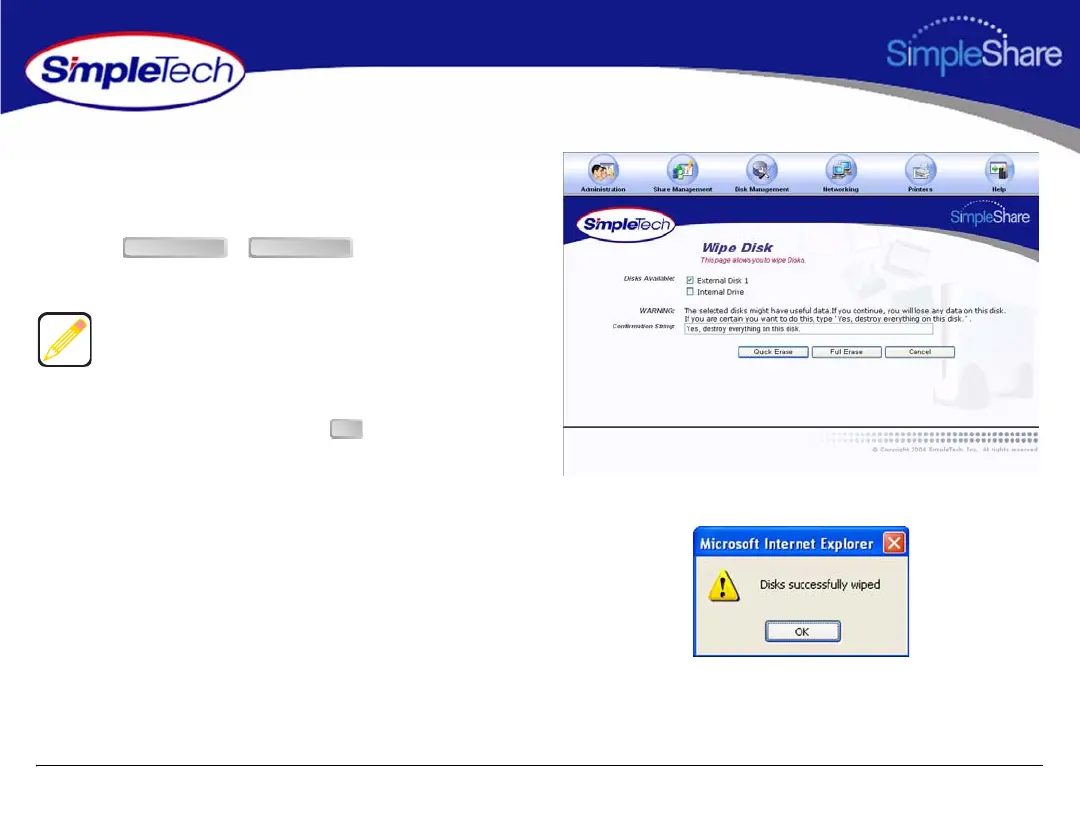
4 In Disks Available, select each disk you want to erase.
5 In Safety Confirmation, type Yes, destroy everything
on this disk.
6 Click or , depending on the
type of erase process you want to perform.
7 In the confirmation dialog, click .
Quick Erase performs a simple erase of the primary file
system structures but does not erase all locations on the
disk that contained user data. Full Erase performs multiple
erasure passes on the entire disk.
Quick Erase Full Erase
OK



 To Next Page