75
Managing SimpleShare Disk Pool
DELETING (WIPING) A POOL
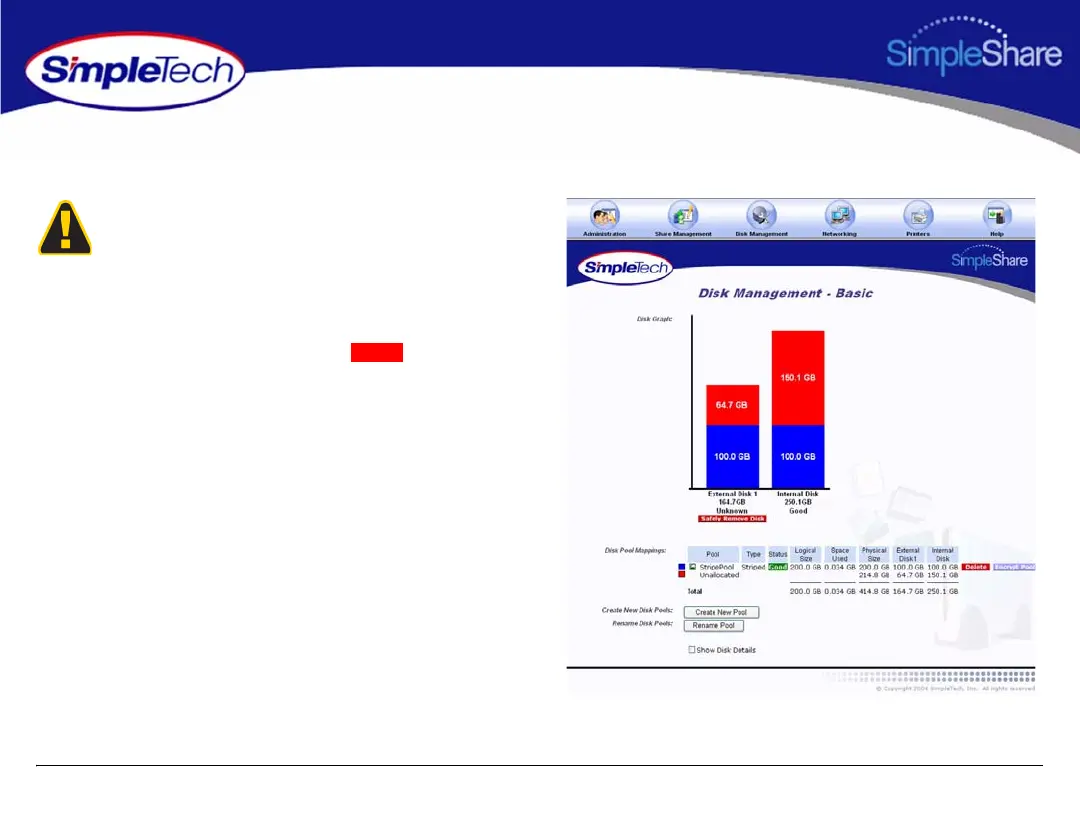
1 In the Disk Management menu, click Basic.
2 In Disk Pool Mappings, click the button to the
right of the pool you want to delete.
Before you can delete a disk pool you must remove all
shares residing within the pool (Deleting a Share). Erasing a
disk pool destroys all data saved to the pool. We recommend
that you back up your data before proceeding.
Delete



 To Next Page