83
Managing SimpleShare Disk Pool
REMOVING A MIRROR OR SPARE
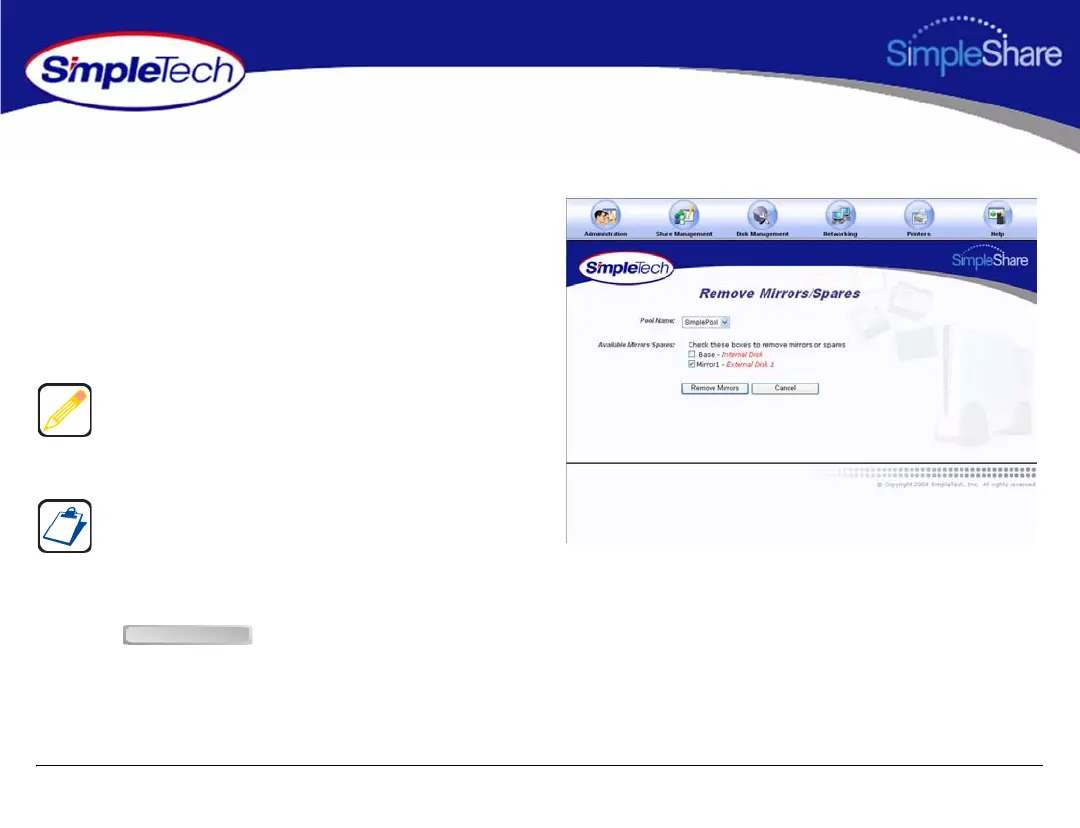
1 In the Disk Management menu, click Remove
Mirrors/Spares.
2 From the Pool Name list, choose the pool you want to
modify.
3 In Available Mirrors/Spares, select the mirror(s) or
spare(s) to be removed from the mirror pool.
4 Click .
Make sure the checkboxes for disks that are to remain part
of the mirror pool are not selected. For example, to remove
all mirrors and keep the Base pool, select all existing mirrors
except the Base.
Available Mirrors/Spares list the mirrors/spares associated
with the mirror pool. The Base represents the original pool
from which the mirror was created. Mirror1, Mirror2 and so
forth represent the copies (or mirrors) created from the
original (Base) pool.
Remove Mirrors



 To Next Page