82
Managing SimpleShare Disk Pool
8 In the Administration menu, click Basic.
9 Click Reboot to restart SimpleShare and apply your
changes.
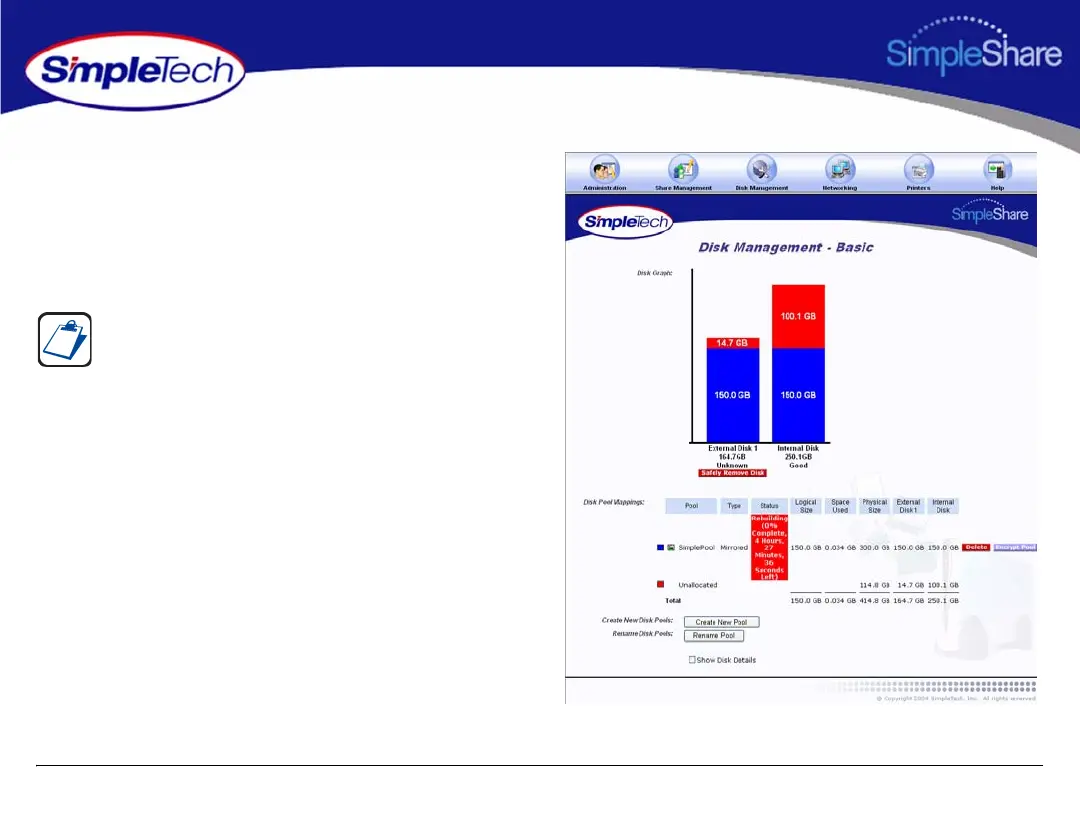
1 In the Disk Management menu, click Basic to check the
rebuild status of the new mirror pool.
To add a mirror to an existing pool, SimpleShare must
rebuild the disk array, which takes an extensive amount of
time. For example, adding a 150 GB mirror may take
approximately 4 hour to create.



 To Next Page