98
Managing SimpleShare Printer
PRINTER MANAGEMENT
To set up network a USB, you must enable first enable print server services on SimpleShare, and then install the printer driver
on each networked computer accessing the printer through SimpleShare.
ENABLING THE PRINT SERVER
1 Make sure your USB printer is connected to
SimpleShare and powered On. For instructions on
installing a printer, see “Connecting a USB Printer” on
page 10.
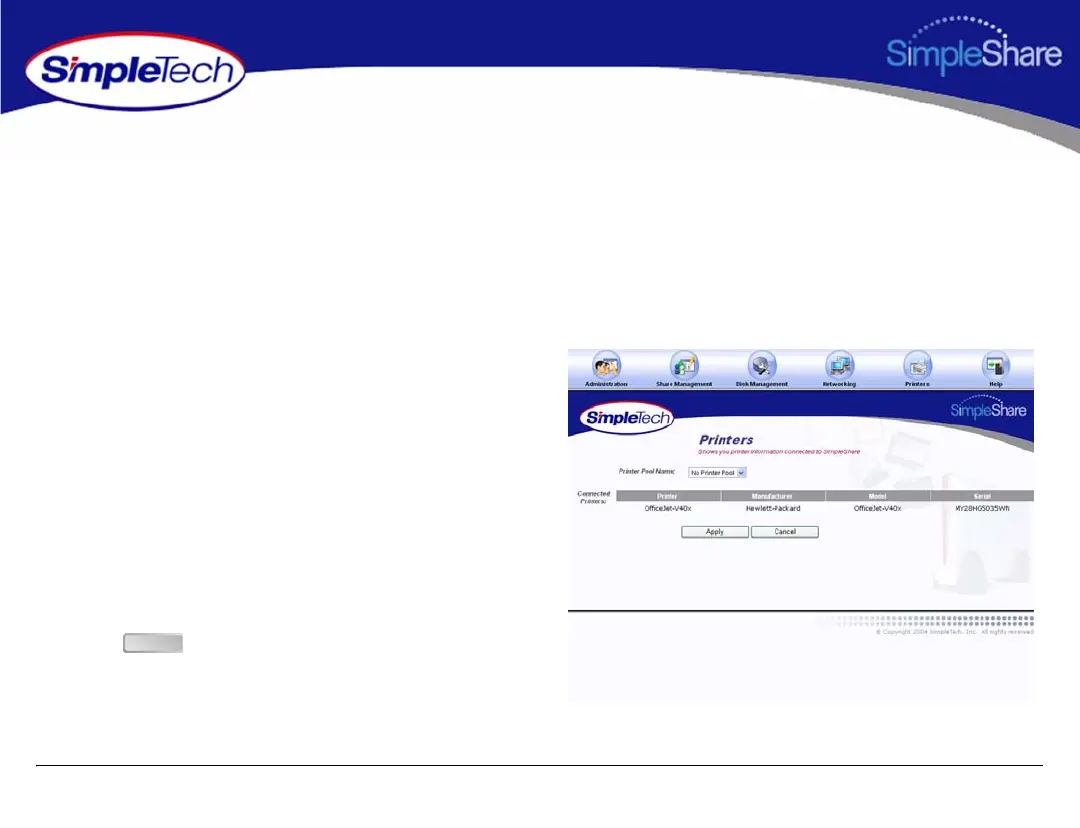
2 Click the Printers menu.
The Printers page displays the name, manufacturer,
model and serial number (if available) of the printer
connected to SimpleShare.
3 From the Printer Pool Name list, choose the disk pool
that will store your printer files.
4 Click .
Apply



 To Next Page