19
Managing SimpleShare Administration
ADMINISTRATION
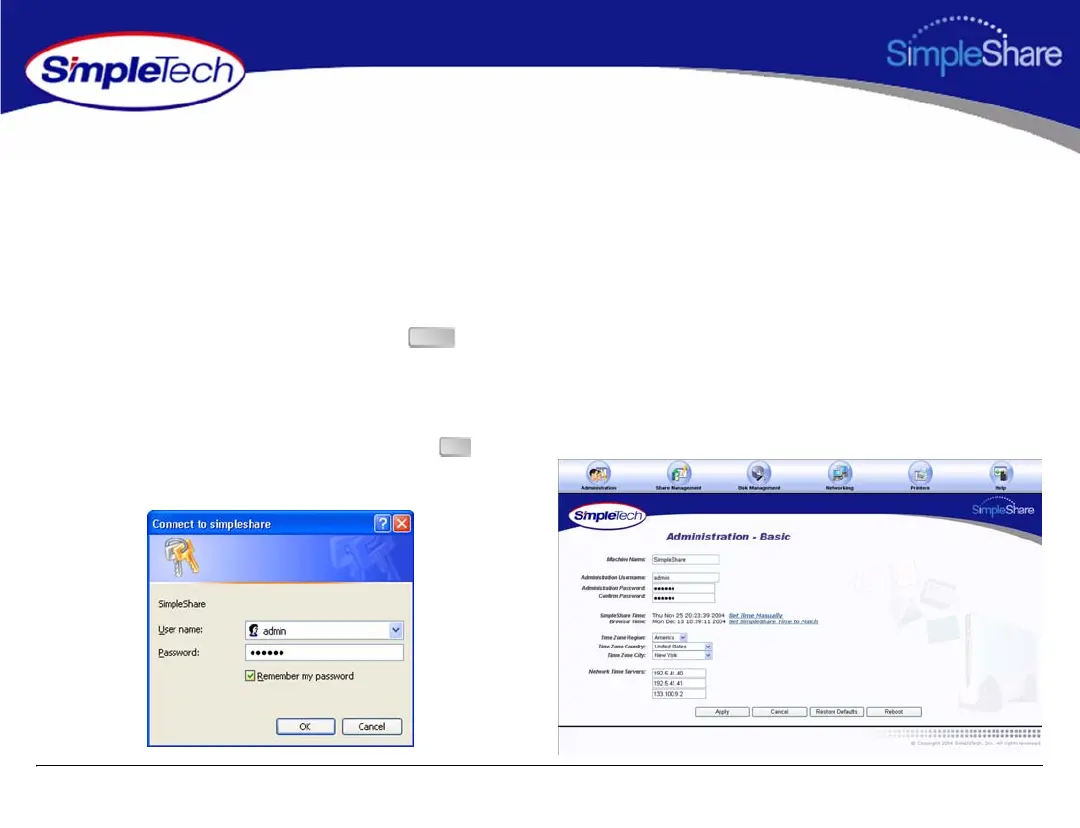
RUNNING SIMPLESHARE ADMINISTRATOR
1 In the Address box of your Web browser, type
http://simpleshare_name
(where
simpleshare_name is the network name of your
SimpleShare server), and then press the key.
2 In the login dialog box, enter the administration
username and password for accessing SimpleShare. If
you want the system to remember your password in the
future, select Password my password. Click to log
onto the SimpleShare Administrator.
Enter
OK



 To Next Page