93
Managing SimpleShare Disk Pool
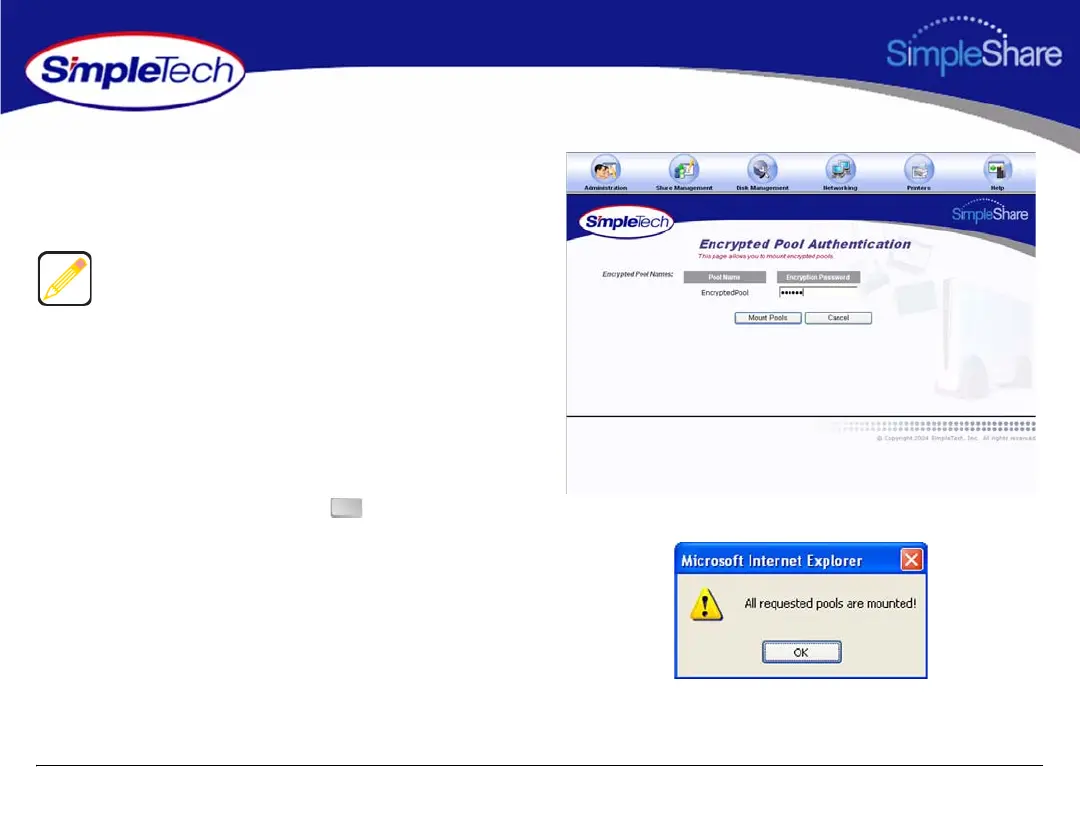
3 In Encrypted Pool Names, enter the password for the
encrypted pool.
4 Click Mount Pools.
5 In the confirmation dialog, click .
If an incorrect password was supplied SimpleShare will
provide a notification that it was unable to mount the pools
and list which pools had an incorrect password supplied. If
multiple encrypted pools were listed in the Encrypted Pool
Names controls only those that had passwords will be listed
in the error notification. Encrypted pools that valid
passwords were supplied for will be unlocked. SimpleShare
will return to the Encrypted Pool Authentication page with
the Encrypted Pool Names controls updated to reflect those
pools that remain locked, i.e., had incorrect passwords
supplied.
OK



 To Next Page