102
Managing SimpleShare Printer
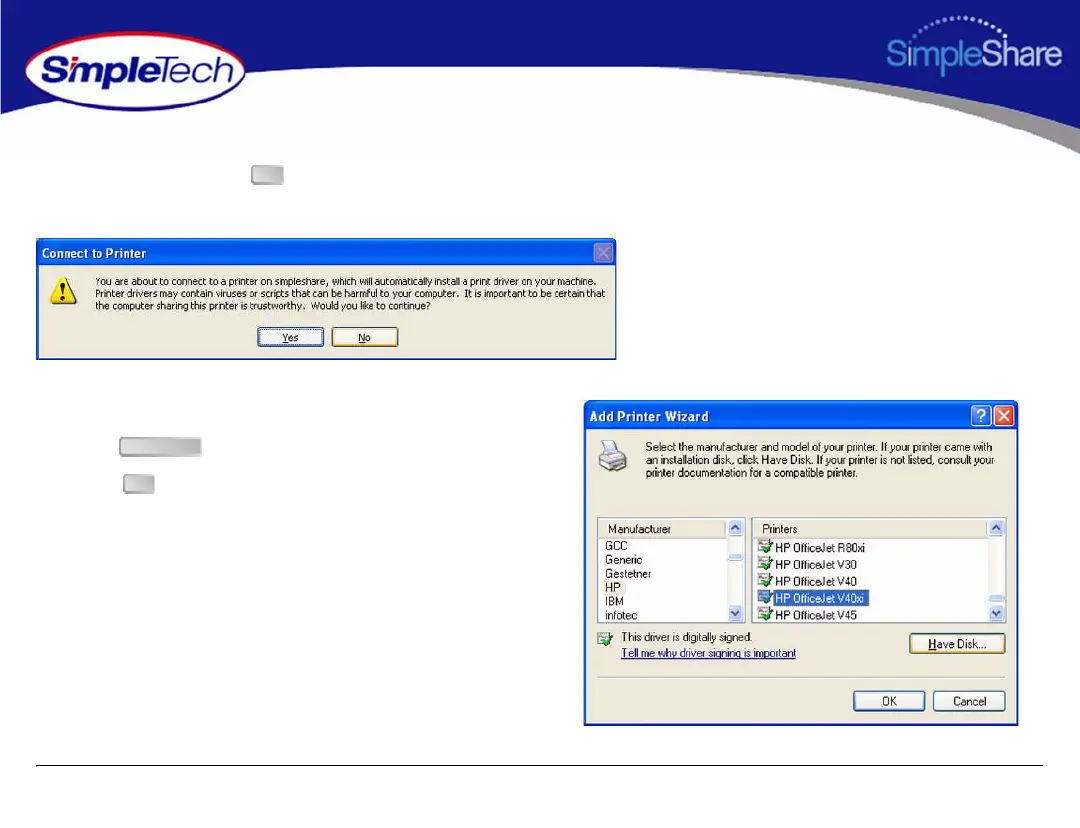
3 If you are running Windows XP, the Connect to Printer
dialog appears. Click to start the Add Printer
Wizard.
4 Select the manufacturer and model of your printer from
those listed or if you have the printer installation disk,
click and follow the onscreen instructions.
5 Click .
OK
Have Disk
OK



 To Next Page