26
Managing SimpleShare Administration
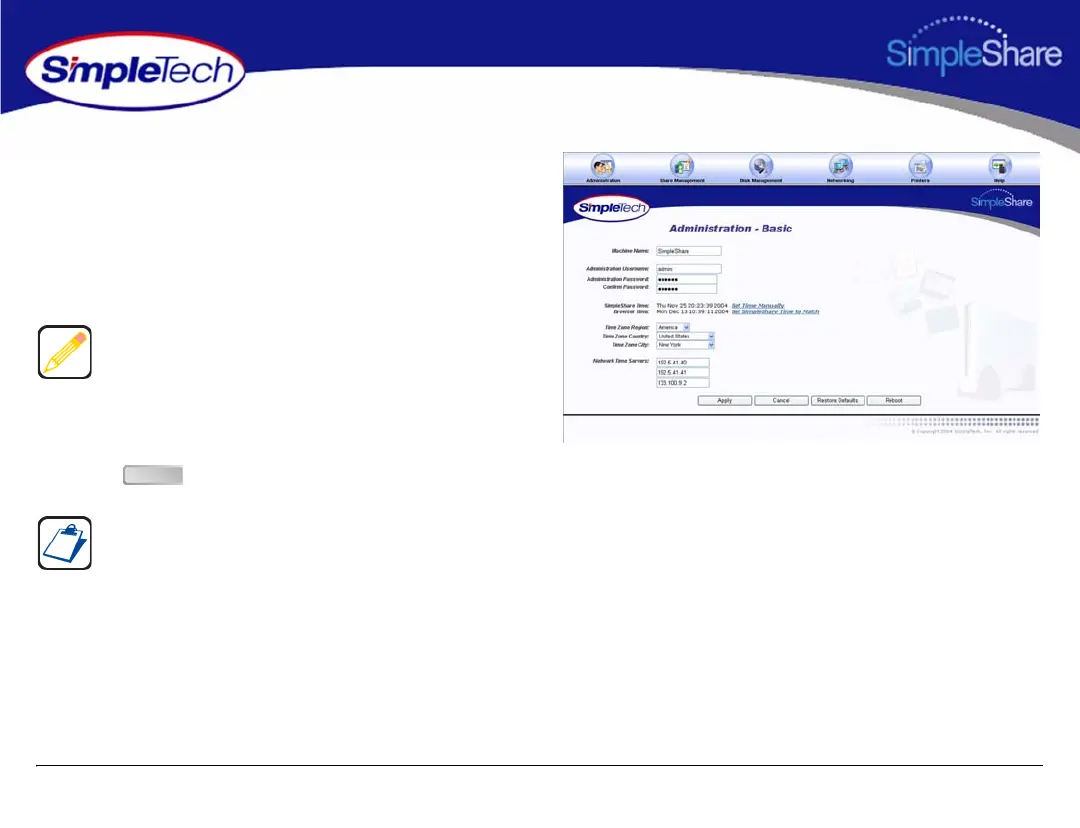
1 In the Administration menu, click Basic.
2 In the uppermost NTP Servers text box, enter the IP
address of the primary NTP public time server you want
to access. In the two remaining text boxes, enter the IP
addresses of your first and second alternate NTP
servers.
3 Select the region, country and city in which SimpleShare
is located.
4 Click .
You can specify the IP addresses of up to three NTP servers.
SimpleShare connects to the first available server in the list.
You may need to adjust the time setting in the future to
accommodate daylight savings time.
Apply



 To Next Page