36
Managing SimpleShare Share
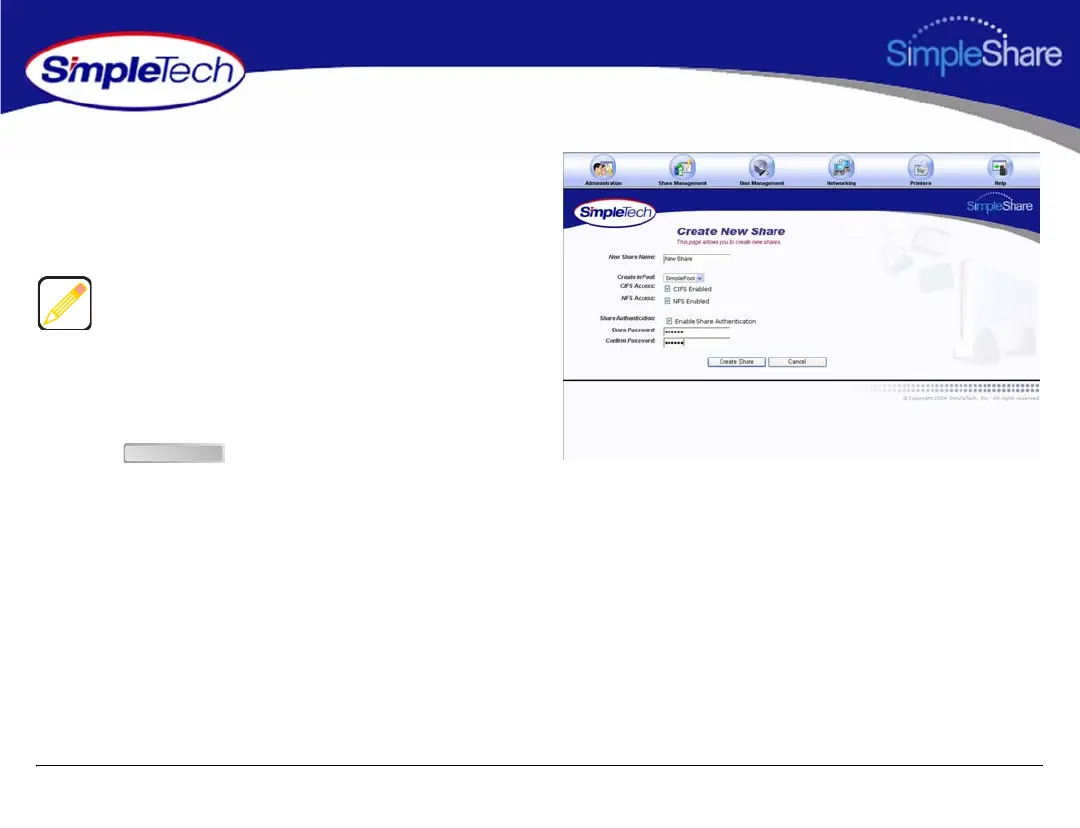
5 To enable authentication (password security) on the
new share, select Enable Share Authentication.
6 In Share Password, enter a password for accessing the
share.
7 In Confirm Password, re-enter the password to confirm
it was entered correctly.
8 Click .
Passwords can be up to eight characters long and may
contain any combination of alphanumeric characters (A-Z
and 1-9) and special characters such as &, $, and >. Spaces
are not allowed.
Create Share



 To Next Page