66
Managing SimpleShare Disk Pool
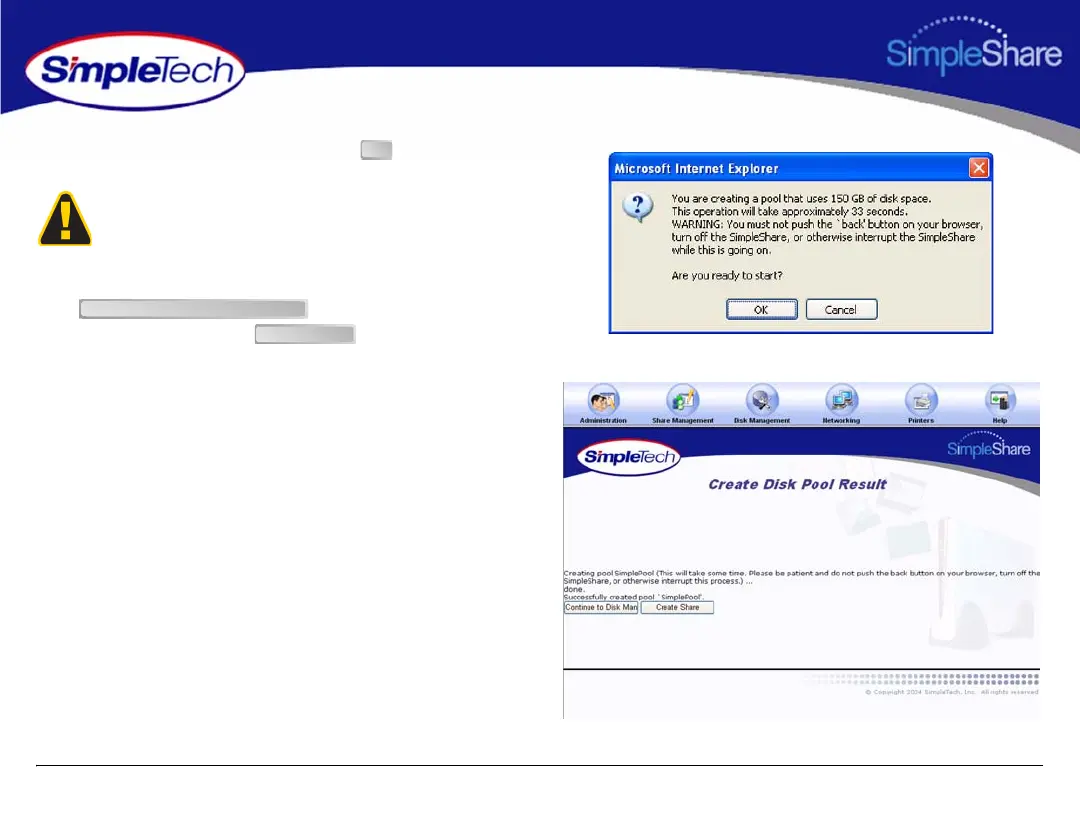
6 In the confirmation dialog, click the .
7 On the Create Disk Pool Result page, click
to view information on the
new disk pool or click to create a share in
the new pool.
To avoid losing data, do not reset or power off the
SimpleShare server, or click any browser menus or buttons
while the disk pool is being created.
OK
Continue to Disk Management
Create Share



 To Next Page