ix
Getting Started
Safety Icons
This guide contains the safety instructions that must be observed in order to avoid personal injury or damage to your equipment.
The safety instructions have been classified according to the seriousness of the risk. All safety instructions must be read carefully
and fully understood before installing the SimpleShare Office Storage Server or performing maintenance on your computer
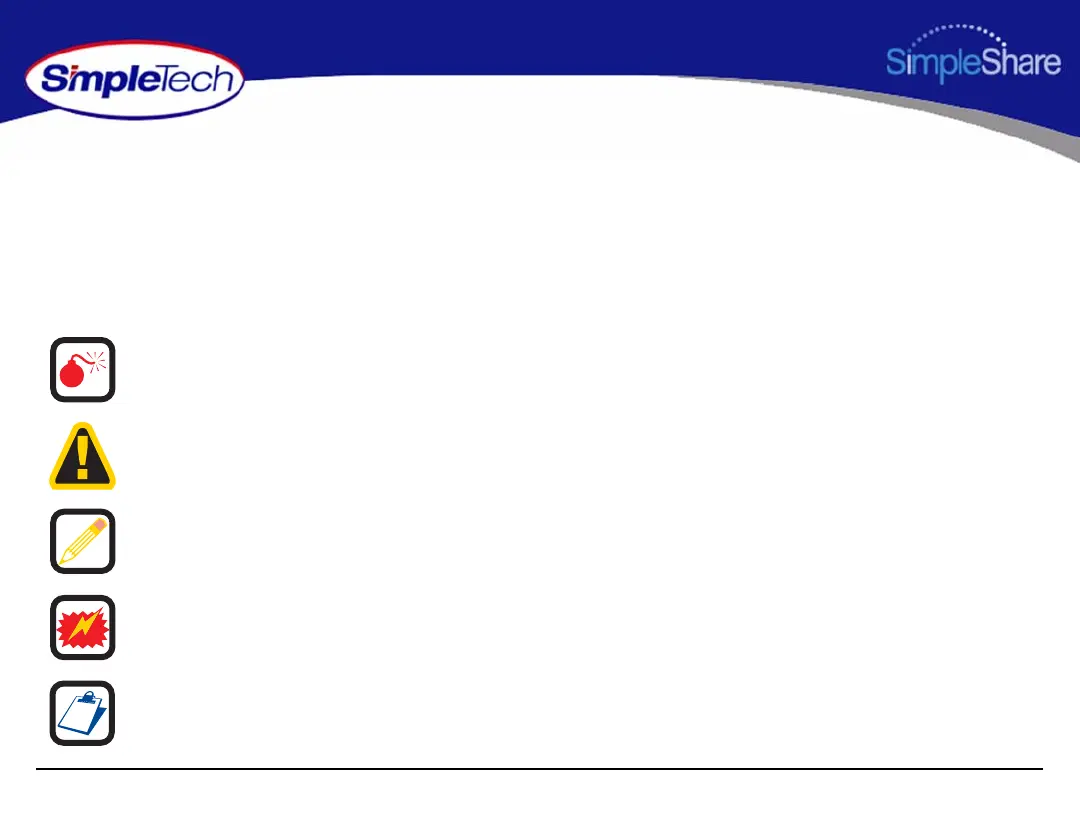
equipment. The following icons highlight these instructions as follows:
WARNING: This icon indicates the existence of a hazard that could
result in serious bodily injury or death if the safety instruction is not
observed.
CAUTION: This icon indicates the existence of a hazard that could
result in equipment or property damage or equipment failure if the
safety instruction is not observed.
NOTE: This icon identifies information that relates to the safe
operation of the equipment of related items.
ESD: This icon indicates that a device or assembly is susceptible to
damage from electrostatic discharge.
TIP: This icon identifies helpful hints and tips.



 To Next Page