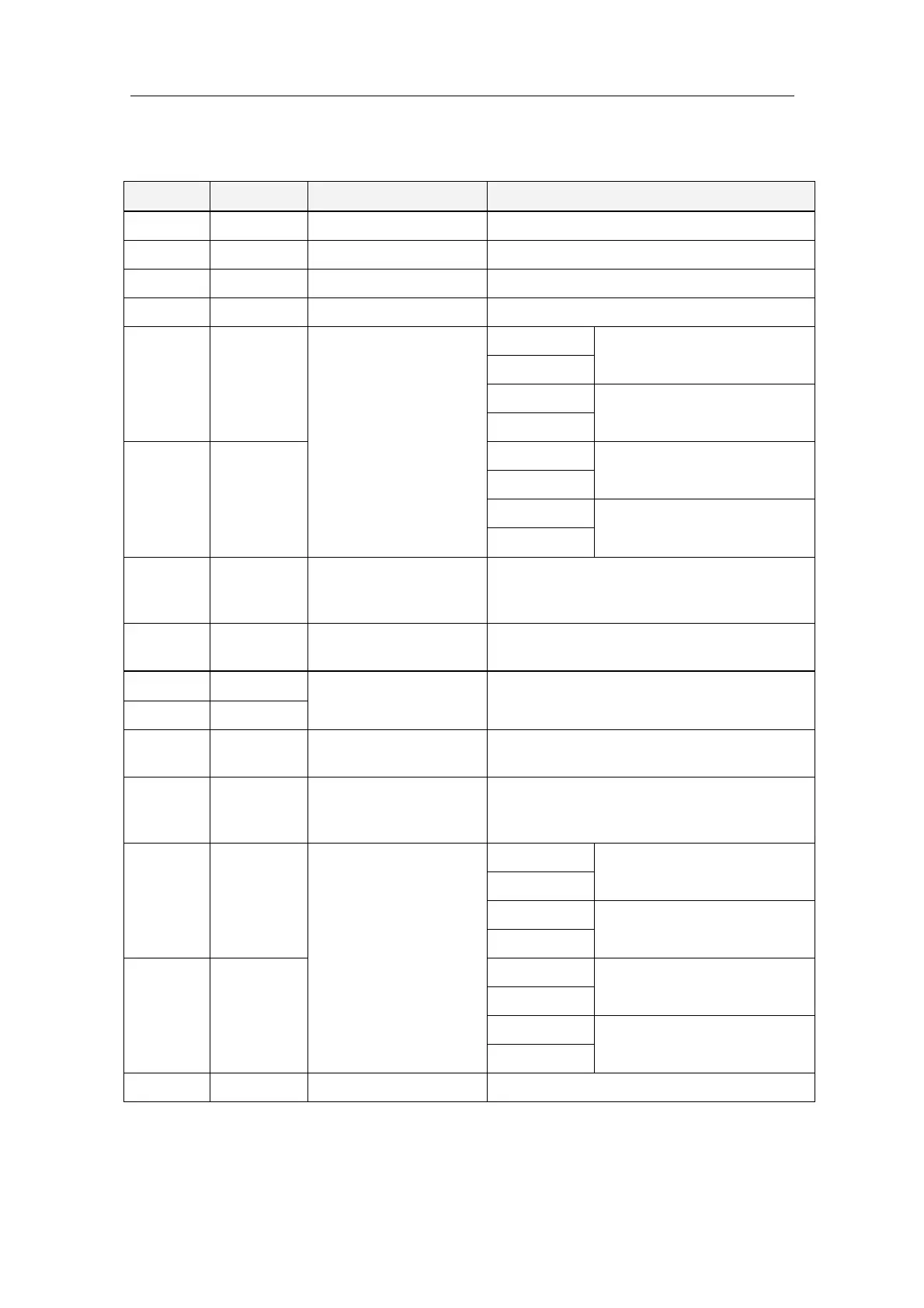
DIP SWITCH SETTINGS
103 988-12718-003
DIP switch settings on ICNT board
SWITCH DEFAULT FUNCTION DESCRIPTION
S1-1 ON Power unit OFF = Yes ON = No
S1-2 OFF Master compass type OFF = Standard ON = High Speed
S1-3 OFF Control unit type OFF = Type S ON = Type D (Dual)
S1-4 OFF 2 Gyros used OFF = No ON = Yes
S1-5 OFF
External sensor
connection
SW1-5 OFF
= No external sensor
SW1-6 OFF
SW1-5 OFF
Not used
SW1-6 ON
S1-6 OFF
SW1-5 ON
= External sensor connected
SW1-6 OFF
SW1-5 ON
Not used
SW1-6 ON
S1-7 OFF Serial signal format
OFF = IEC61162-2 ed.1 (NMEA0183, ref. page
13)
ON = Tokimec
S1-8 OFF Alarm output setup
OFF = All alarms
ON = Only power failures
S2-1 OFF
Used for debugging
(Do not touch)
-
S2-2 OFF
S2-3 ON Operation panel type
OFF = GPANEL OLD Control unit
ON = GPANEL-A NEW Control unit
S2-4 OFF Pendulum ferry
OFF = Not connected/Buzzer stop enabled
ON = Pendulum function in use/Buzzer stop
disabled
S2-5 OFF
Serial signal transmit
frequency IEC61162-1
ed.4
SW2-5 OFF
= 1 sec (1 Hz)
SW2-6 OFF
SW2-5 OFF
= 100 msec (10 Hz)
SW2-6 ON
S2-6 ON
SW2-5 ON
= 200 msec (5 Hz)
SW2-6 OFF
SW2-5 ON
= Invalid (1 sec)
SW2-6 ON
S2-7 OFF Not used -



 To Next Page