USER INTERFACE
17 988-12718-003
is active.
Refer
Selecting active compass
page 21.
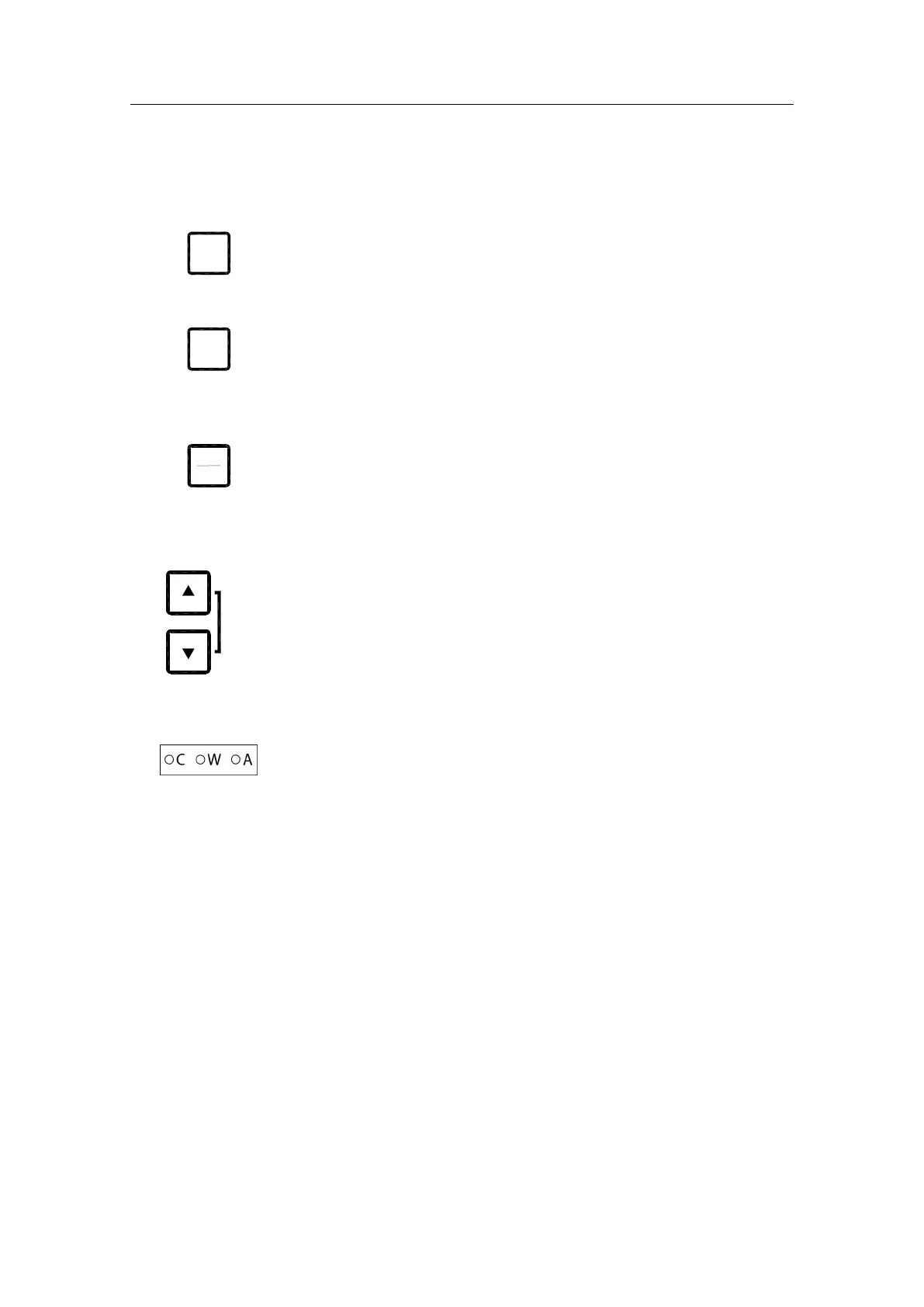
DISP button
Used to display data on the LCD. Refer
Displaying present settings
page
22
.
SET button
Used to change data and input sources. Refer
System start-up and
software configuration
page 61 onwards.
ACK/ENT button
Used to confirm a change in data and input sources. Refer
System start-up
and software configuration
page 61 onwards.
The button is also used to acknowledge an alarm as described in
Acknowledging an alarm,
page 31.
ARROW buttons
Used to increase or decrease a parameter value. Refer
System start-up and
software configuration
page 61 onwards.
Also used for lamp testing and for setting the display illumination as
described on page 21.
Alarm indicators
Used to indicate an alarm situation. Refer
, page 30.



 To Next Page