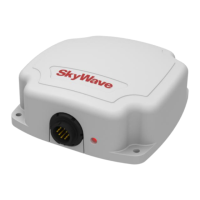
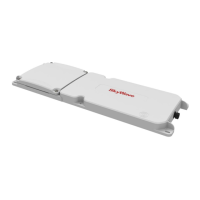
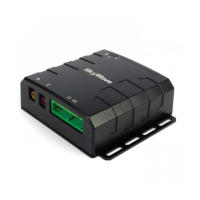
IDP-782 - Hardware Guide
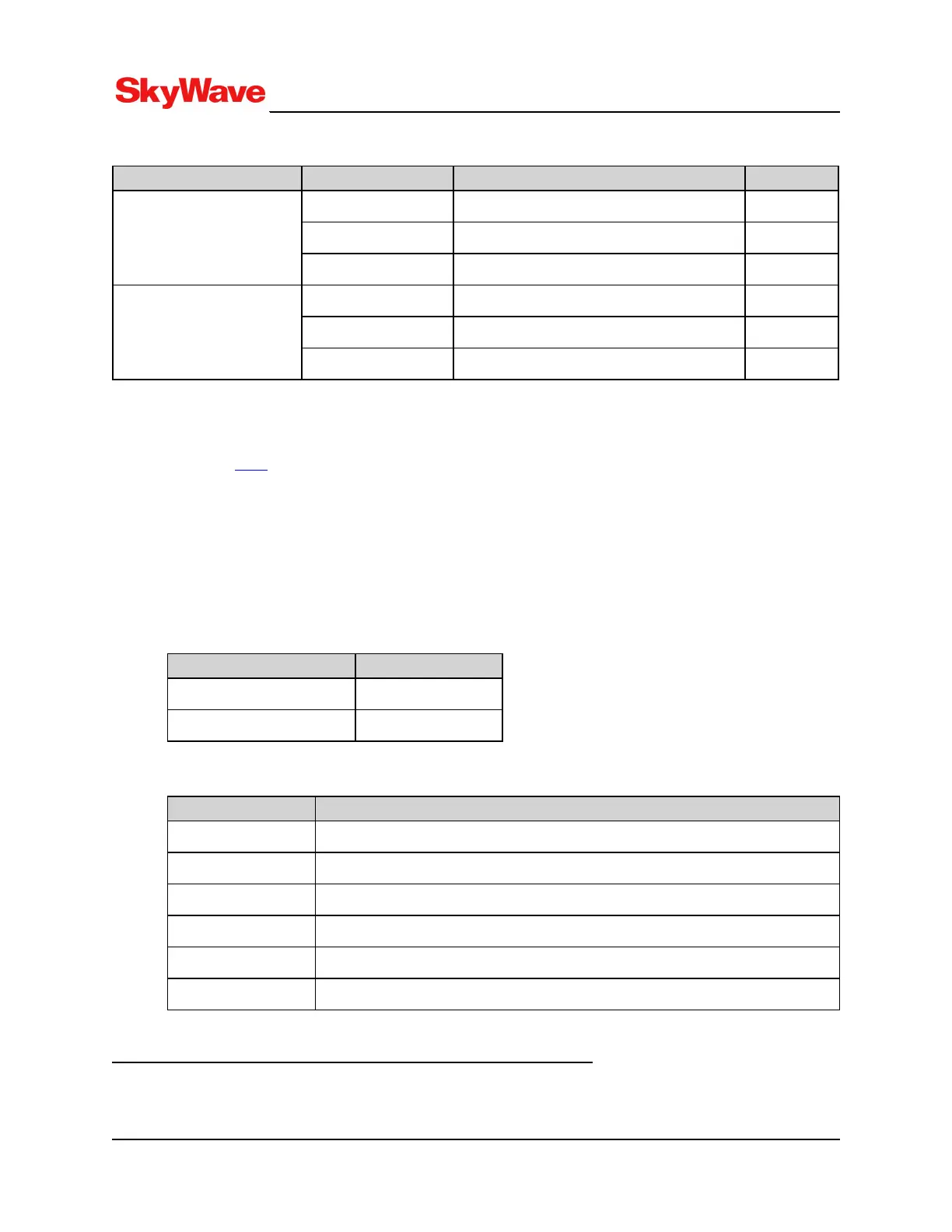
Table 3: Additional Terminal Input Currents
Mode of Operation Port Condition Current
1
Sleep mode Main serial port (cable connected) 0.070 mA
AUX serial port (trace enabled and cable connected) 0.033 mA
USB main port - 37.9 mA
Standby mode Main serial port (cable connected) 1.993 mA
AUX serial port (trace enabled and cable connected) 1.986 mA
USB main port - 25.8 mA
3.2.2.1 Accelerometer Power Consumption
The power consumption of the accelerometer varies depending on the settings. Refer to the Accelerometer
section in [T202] for more details.
3.2.3 Load Dump Protection
Active load dump protection is provided on the power pins. The cut-off is >35 V and automatic reset of the
load dump occurs when the input voltage is <35 V.
3.2.4 Inrush Currents
Typical inrush currents: 12 volts
Quantity Value
Peak in-rush current 2.92 A
In-rush pulse duration 3 µS
3.2.5 Cellular Antenna
Parameter Value
Network Coverage
UMTS/HSPA/GPRS Bands 800/850/900/1700/1800/1900/2100 MHz
Frequency 800/850/900/1700/1800/1900/2100 MHz
Impedance Nominal 50 ohm
VSWR 2.5:1
Gain 0 dB (3 dBi max.)
Maximum EIRP 8 dBW
1
These values need to be added to either sleep or standby mode values in Table 2 if the main (console), AUX, or USB port is connected.
T213, Version 02
26
© SkyWave Proprietary


 To Next Page