IDP-782 - Hardware Guide
1. Find a location for the antenna following the guidelines provided in Section 4.3.1.
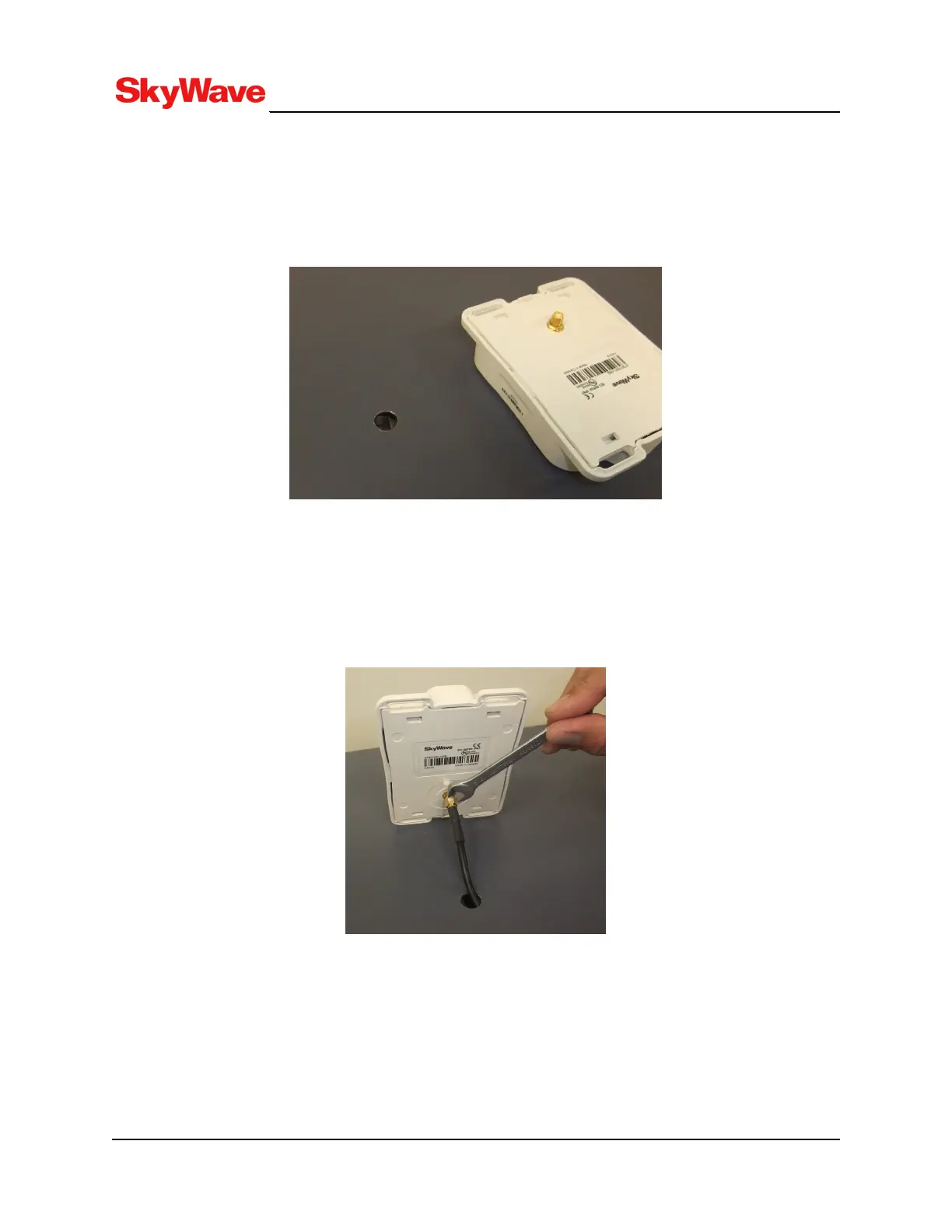
2. Drill a 12 to 19 mm hole in the asset surface (Figure 33) when using a straight SMA cable
connector. For a right angle SMA cable connector, refer to step 7.
Figure 33: Drill Mounting Hole
3. Clean the asset surface with isopropyl alcohol or an equivalent product that does not leave a
residue.
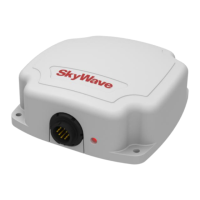
4. Insert the cable through the hole, from inside the asset, and thread the cable connector onto the
antenna. Torque the connector finger tight plus a 45 degree rotation using an 8 mm wrench.
Figure 34: Attach Cable to Terminal
5. Apply silicone around the hole in the asset and to the bottom surface of the antenna.
T213, Version 02
61
© SkyWave Proprietary


 To Next Page