IDP-782 - Hardware Guide
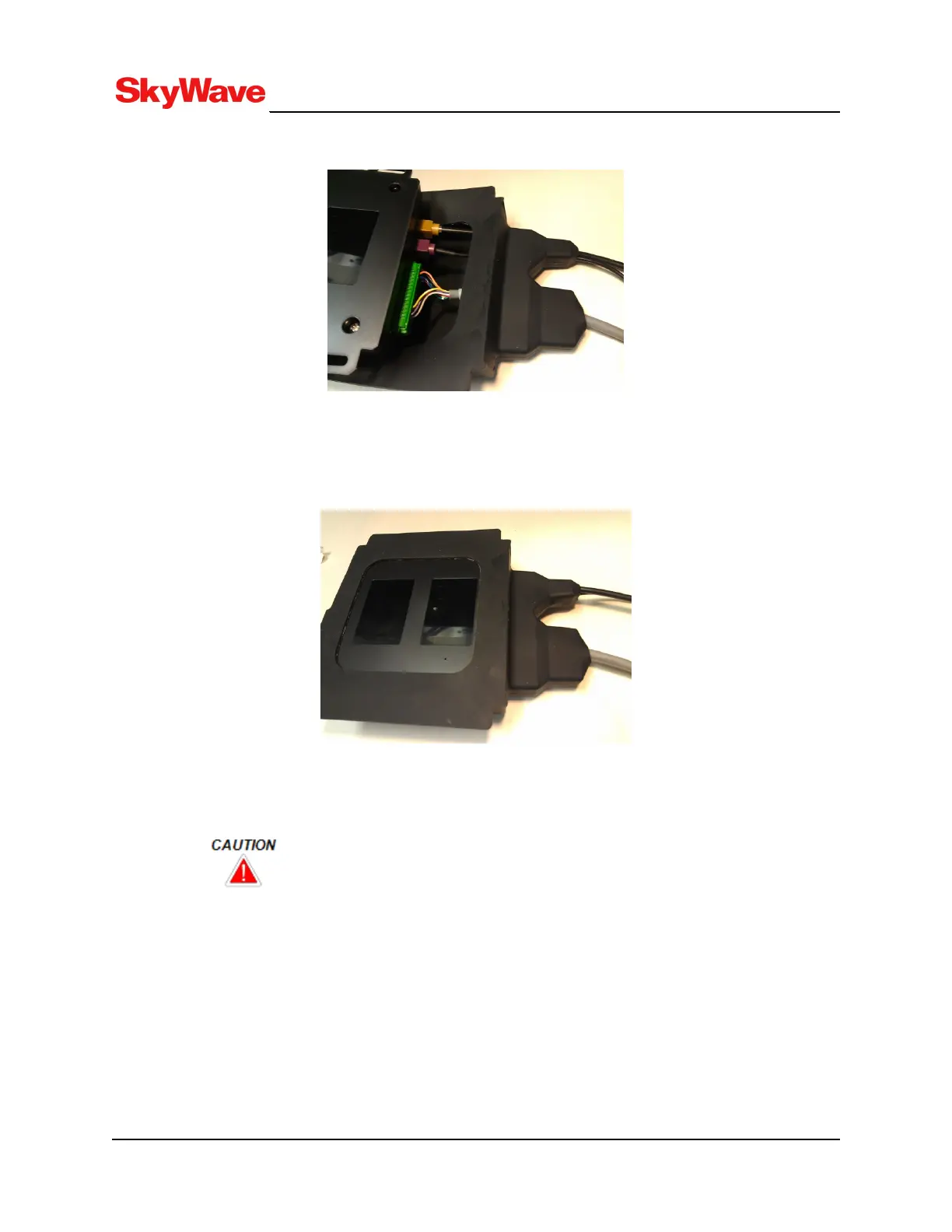
Figure 49: Connect the Connectors to the Terminal
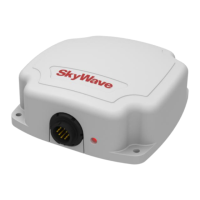
8. Insert the terminal in the terminal shroud as shown in Figure 50. Ensure the shroud sits properly
over the terminal.
Figure 50: Terminal in Shroud
9. Apply outdoor grade silicone, for maximum protection, around the perimeter of the terminal shroud
opening, over the small reset hole, and around any mounting hardware (Figure 51). Cleaning
surfaces with isopropyl alcohol ensures proper adhesion of the silicone.
If using the terminal reset button, remember to reseal the hole with silicone after
use.
T213, Version 02
71
© SkyWave Proprietary


 To Next Page