CHAPTER 1
WELCOME
6 smarttech.com/kb/171225
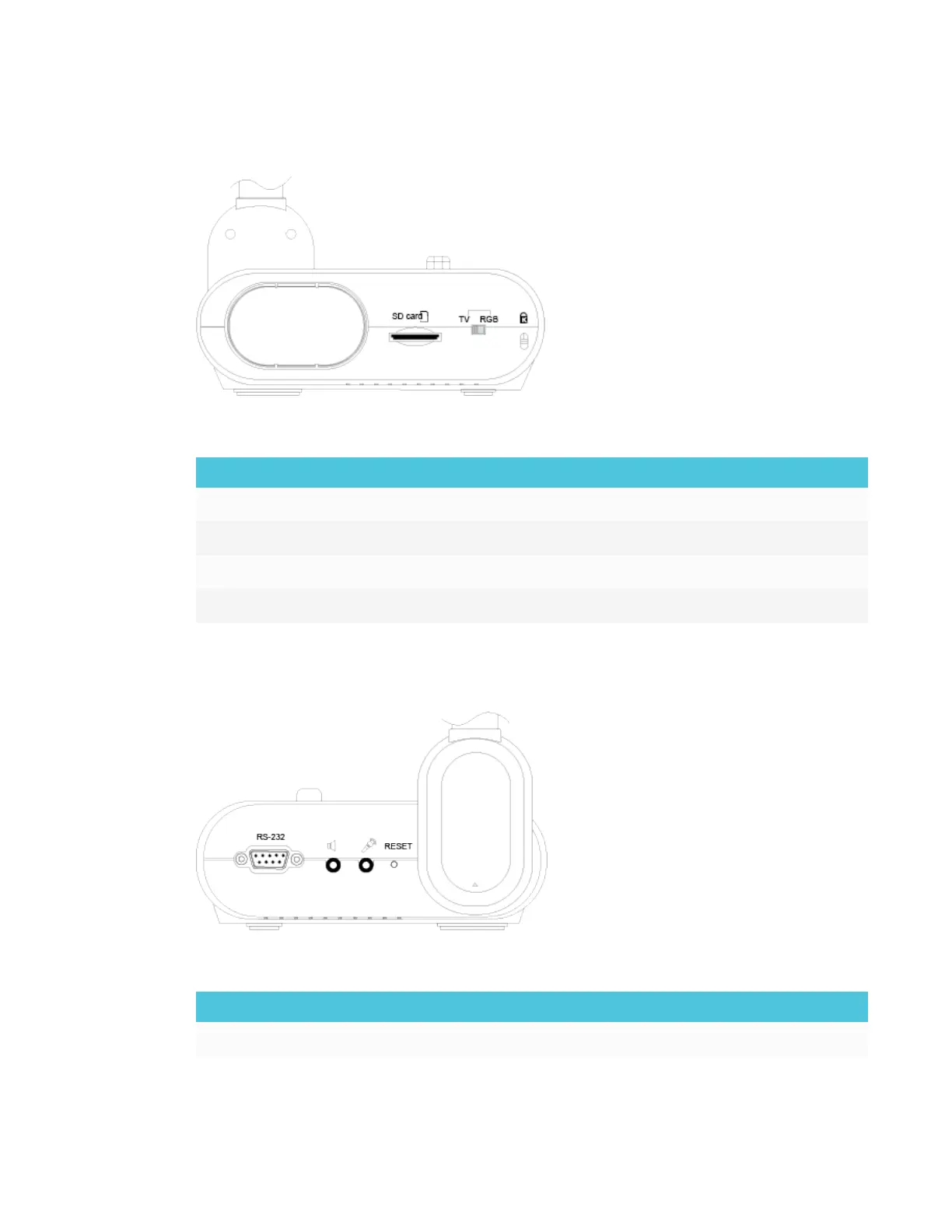
Right panel
The right panel of the document camera consists of the following:
No. Name More information
1 Camera holder Holds the camera head for storage
2 SD card slot SD/SDHC memory card slot
3 TV-RGB switch Switch between TV and output display video
4 Security lock slot Attachment for a Kensington compatible lock
Left panel
The left panel of the document camera consists of the following:
No. Name More information
1 RS-232 Connect to a computer serial port



 To Next Page